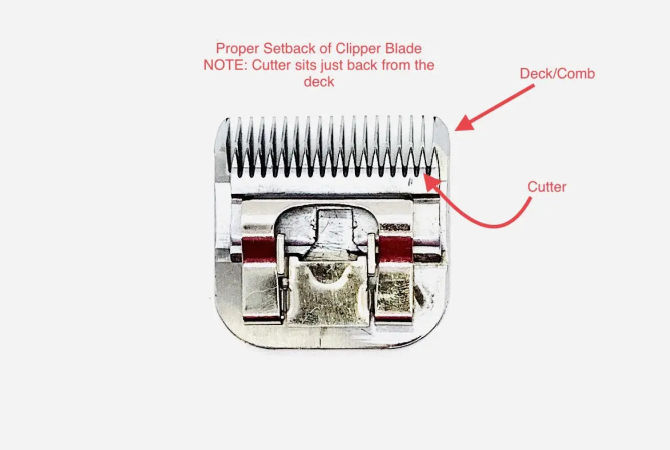
Why Is My Trimmer Not Cutting?
Your trimmer may stop cutting without warning. Dull blades, a low battery, or a clogged head cause most failures. Regular care keeps the blades sharp and the motor strong. Small checks find the fault before it grows worse. This guide explains each cause and its fix.
Why is my trimmer not cutting is a common question. The answer is usually simple and quick to fix. Blades dull with use, batteries run low, and heads clog with hair. Each fault gives clear signs you can spot. Work through the checks below in order.
Later sections cover batteries, motors, and blade alignment. Maintenance, weather, and user errors follow after them. Short answers close the guide at the end. Careful habits keep trimmers cutting well always. Small routines deliver clean results every time.
Quick answer: Your trimmer usually stops cutting because the blades are dull. A low battery, a clogged head, or loose blades can also stop it. Clean the head, charge the battery, and check blade alignment first. Sharpen or replace dull blades when cleaning does not help. Seek a repair shop if the motor smells burnt.
Why Is My Trimmer Not Cutting? Common Causes
Dull blades are the most common cause of poor cutting. Blades lose their edge with every use. Worn blades push hair instead of cutting it cleanly. Look closely at the blade edge for wear. Our sharpening guide explains safe edge restoration fully.
| Cause | What You Notice | Quick Fix |
|---|---|---|
| Dull blades | Blades push hair, cutting feels rough | Sharpen or replace the blades |
| Clogged head | Hair and dirt block the blades | Brush out debris and reassemble |
| Low battery | Power drops, cutting slows down | Charge the battery fully |
| Loose blades | Blades wobble, cuts turn uneven | Tighten the screws and realign |
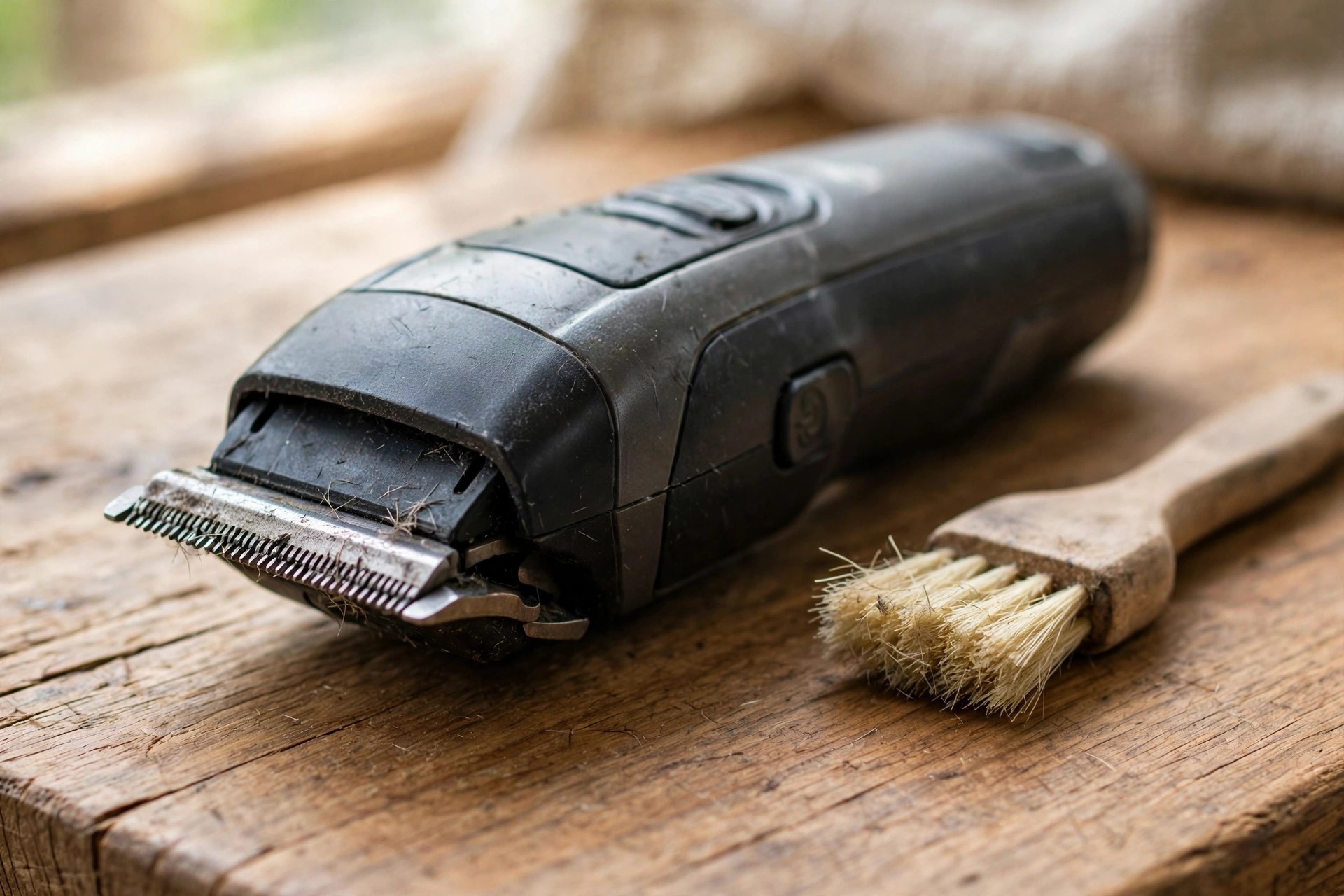
A clogged trimmer head also blocks clean cutting. Hair, dirt, and grass collect inside the head. The blockage stops the blades from moving freely. Clean the trimmer head after every use. Check for clogs whenever cutting feels weak.
Battery Issues
Many trimmer faults start with battery trouble. A weak battery cannot drive the blades well. The trimmer slows down and cuts poorly. Check the battery before you blame the blades. A full charge fixes many cutting faults.
Low Battery
A low battery makes the trimmer lose power fast. The blades slow down and skip over hair. Turn the trimmer off and remove the battery. Check the level light before you charge it. Our charging guide explains full-charge signs clearly.

Faulty Charger
A faulty charger leaves the battery without power. The trimmer then fails even with a good battery. Plug the charger into a working wall outlet. Connect the charger and watch the light. Replace the charger if no light turns on.
Motor Problems
Motor trouble can stop a trimmer from cutting. The motor strains when the blades clog or dull. Overheating is the most common motor fault. Take breaks during long trimming sessions always. Keep the motor vents clean and clear.
Overheating Motor
An overheating motor stops work to protect itself. Long use without breaks causes most overheating. A hot body, a burnt smell, or odd noises warn you. Stop trimming and let the motor cool down. Clean debris from the vents before you restart.

Burnt Out Motor
A burnt-out motor is a serious fault. The trimmer will not start or stops without warning. A burnt smell points to motor damage inside. Overuse, poor care, and power faults cause burnout. Our repair guide covers faults beyond simple assembly.
Blade Alignment
Blade alignment decides how cleanly a trimmer cuts. Blades that shift during use cut unevenly. Misaligned blades may miss hair completely sometimes. Check alignment whenever cutting turns patchy suddenly. Tight, straight blades cut best every time.
| Issue | Check | Fix |
|---|---|---|
| Misaligned blades | Blades are not parallel | Realign them by hand |
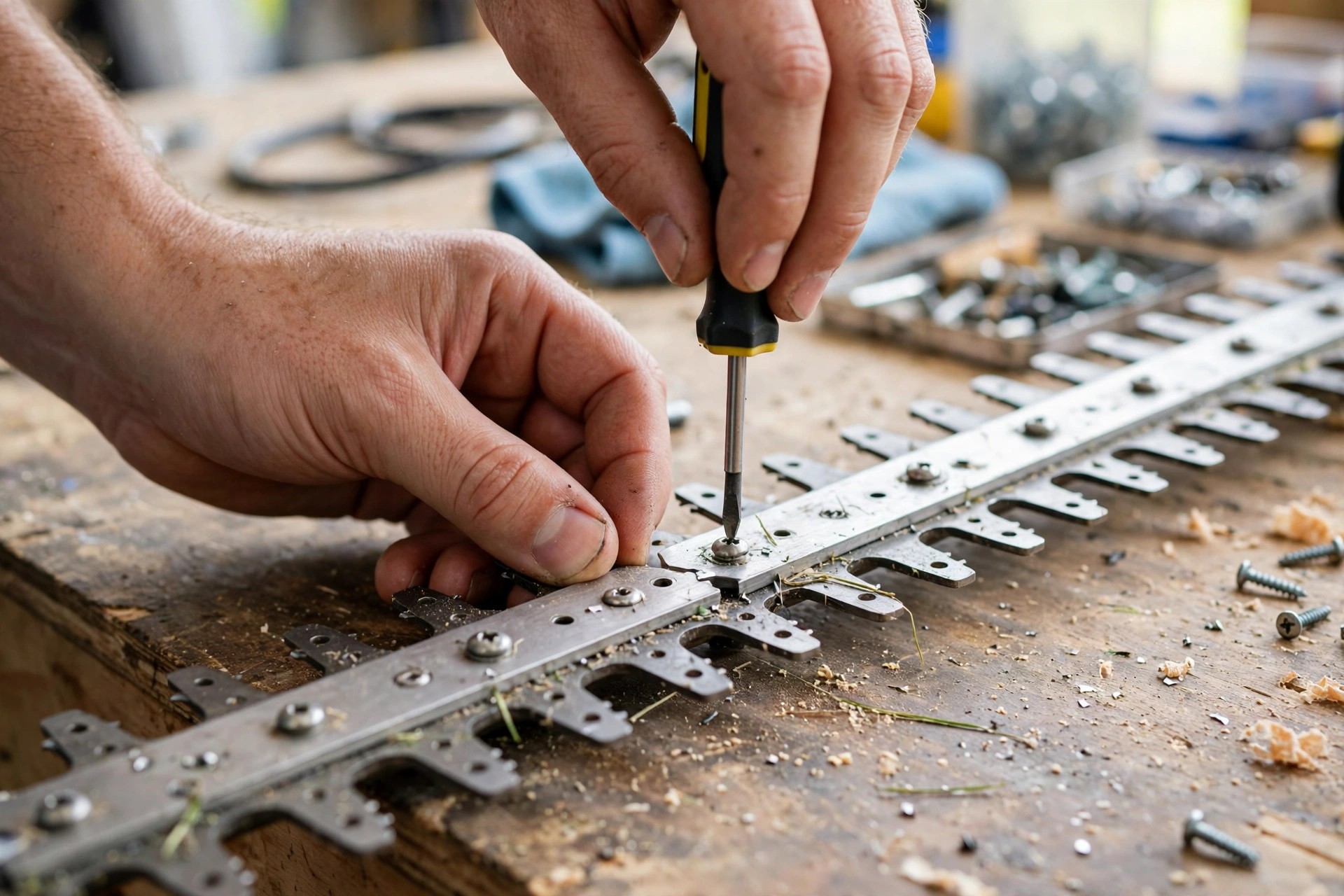
| Loose blades | Screws feel slack, blades wobble | Tighten screws with a screwdriver |
Loose blades also hurt cutting power badly. Slack screws let the blades wobble during use. Turn the trimmer off before you touch the blades. Find the screws and tighten them firmly now. Check that both blades sit straight and secure.
Trimmer Maintenance
Regular care keeps a trimmer cutting well for years. Clean, oil, and store it the right way. Dirt and rust dull blades faster than use. A few minutes after each trim saves repairs. Our cleaning guide covers careful cleaning routines.
Regular Cleaning
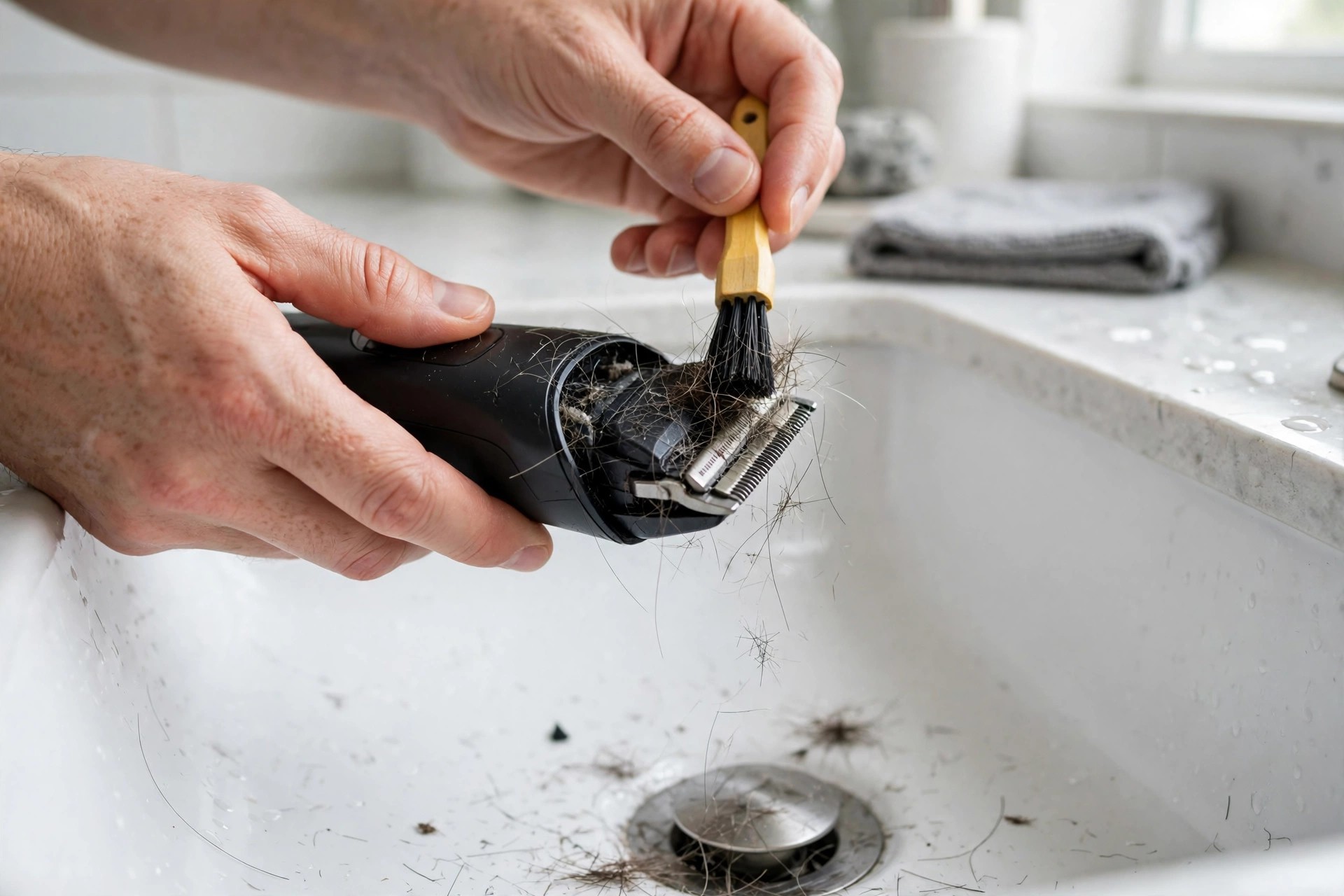
Clean the trimmer after every single use. Unplug it or remove the battery first. Brush hair and dirt from the blades. Wipe the blades with a damp cloth. Dry the trimmer fully before you store it.
Lubrication
Oil keeps the blades moving smoothly and freely. It cuts friction and slows wear on edges. Turn the trimmer off before you oil it. Add a few drops of trimmer oil on the blades. Our oiling guide explains blade lubrication fully.
Blades wear out even with good care. Our blade lifespan guide explains how long blades last. Replace blades when sharpening no longer restores the edge. Keep a spare set ready for busy weeks. Sharp blades protect both skin and cutting power.
Environmental Factors
Wet grass and thick growth strain any trimmer. Moisture makes grass clump and stick together. Clumps resist the blades and slow cutting down. Thick plants dull blades and strain the motor. Trim dry, light growth for the best results.
User Errors
How you hold the trimmer affects every cut. The wrong angle pushes blades against skin. Hard pressure dulls blades and strains the motor. Move slowly with light, steady pressure always. Read the manual for the right angle first.
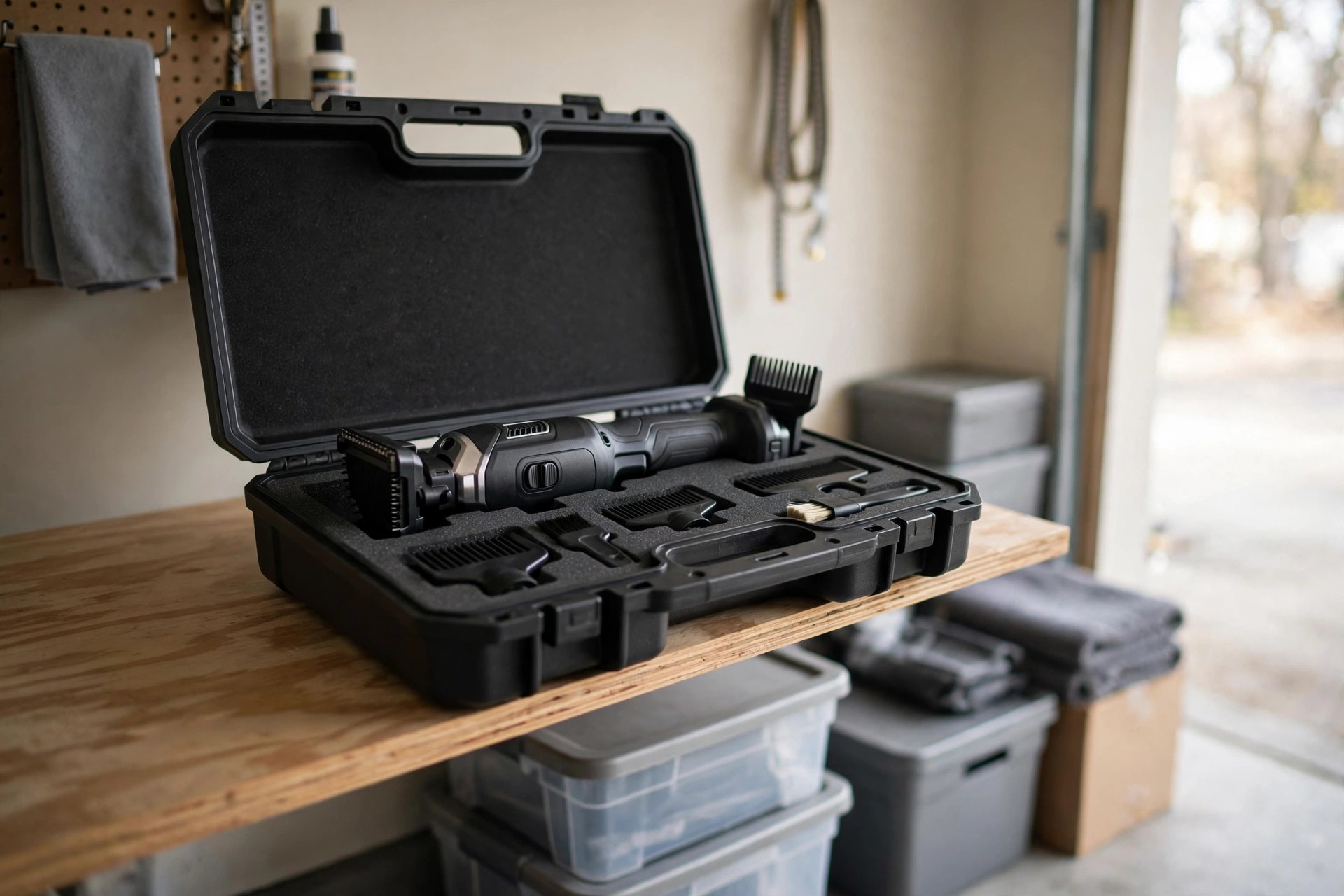
Poor storage also ruins cutting power fast. Moisture causes rust on blades and screws. Store the trimmer dry after every use. Keep it in a case away from damp rooms. Dry storage keeps rust away from blades.
When to Seek Professional Help
Some faults need a trained repair technician. Cleaning and charging fix most common faults. Persistent faults point to deeper motor damage. Loud noises, quick overheating, and dead motors need experts. Check your warranty before you open the trimmer.
Warranty terms decide who should fix it. A trimmer under warranty goes back to the maker. Opening it yourself may void the cover. A warranty past its term suits a trusted technician. Read the terms before you book any repair.
Frequently Asked Questions
These answers repeat this guide’s own points only. They follow the same steps explained above closely. Short answers close the guide at the end. Maker pages like Philips OneBlade publish official trimmer guidance.
Why are my trimmers not cutting hair?
Dull blades, a low battery, or hair clogs cause most failures. Clean the head and check the battery first. Sharpen or replace blades that stay dull. Oil the blades after every cleaning session. Regular care keeps hair trimmers cutting well.
Why are my clipper blades sharp but not cutting?
Sharp blades may sit misaligned or clogged with hair. Clean the head and brush out trapped hair. Realign the blades so both edges sit parallel. Tighten loose screws before the next trim. Test the cut on a small patch first.
Why is my string trimmer not cutting?
A string trimmer may fail from tangled line or a clogged head. Check the line length and feed it correctly. Replace worn line that will not feed out. Clean grass clumps from the head and guard. Our grass trimmer guide shows safe cutting steps clearly.
Why won’t my trimmer trim?
A dull blade, a dead battery, or tangled line stops trimming. Check the blade, the battery, and the line first. Clean the head and charge the battery fully. Replace parts that stay worn after cleaning. Test the trimmer briefly before full use.
How often should I clean my trimmer?
Clean the trimmer after every use for best results. Brush out hair and wipe the blades dry. Oil the blades after cleaning each time. Dry storage keeps rust away from blades. Clean tools cut better and last longer.
Conclusion: Why Is My Trimmer Not Cutting?
So, why is my trimmer not cutting in most cases? Dull blades, low batteries, and clogged heads cause most failures. Loose blades, worn motors, and wet grass add more trouble. Work through the checks in this guide first. Most faults need cleaning, charging, or sharpening only.
Keep your trimmer clean, oiled, and stored dry. Check blades and batteries before each use. Call a technician when faults persist after care. Your trimmer then cuts cleanly for years. Simple habits deliver smooth trimming every time.