Why Is My Hedge Trimmer Blade Not Moving? Easy Fixes
A frozen blade can stop your garden work fast. You may wonder why is my hedge trimmer blade not moving. The cause is often simple and easy to fix. This guide checks each likely cause in plain order.
Dull blades and dirty blades cause many stopped blades. Dry blades without oil can stick and stop moving. Bent teeth and jammed branches can lock blades tight. A broken clutch can also stop blade movement completely.
You will learn checks for blades, gearbox, and bearings. The guide also covers jams, washers, and bent teeth. Simple care habits prevent most of these faults later. Read on to get your trimmer cutting again soon.
Quick answer: Start with the blades and the clutch. Dull or dirty blades often stop the blades from moving. Bent teeth and jammed branches can lock the blades tight. A worn clutch or gearbox can also block blade movement. Clean, oil, and sharpen the blades before replacing any parts.
- Why Is My Hedge Trimmer Blade Not Moving? Key Causes
- Common Causes of a Blade That Will Not Move
- Step Checks for Blades, Gearbox, and Bearings
- Fixing Jammed and Stuck Blades
- Best Fixes for Each Blade Problem
- Using the Right Maintenance Products
- Frequently Asked Questions
- Conclusion: Why Is My Hedge Trimmer Blade Not Moving?
Why Is My Hedge Trimmer Blade Not Moving? Key Causes
Several common faults can stop a trimmer blade cold. Most faults sit in the blades or clutch area. The table below lists the three main causes fast. Check each cause before you buy any new parts.
| Cause | What Happens |
|---|---|
| Dull blades | Worn edges lose sharpness and cutting power fades |
| Dirty dry blades | Dirt builds up and dry teeth stick fast |
| Broken clutch | A worn or loose clutch stops blade drive |
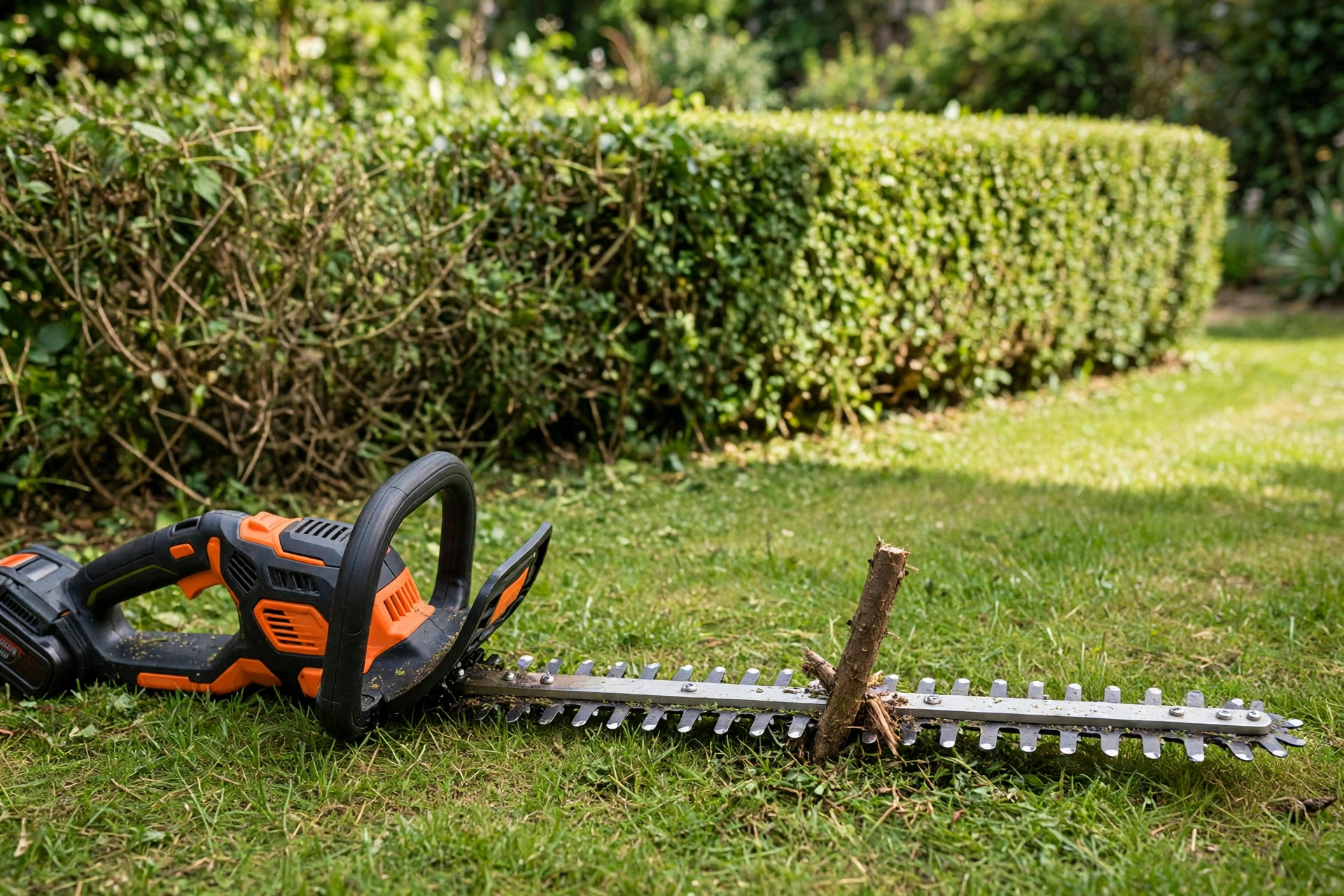
Start With the Blades
Dull or dirty blades cause most movement faults overall. Bent teeth can also block smooth blade movement fast. Jammed branches may hide between the teeth as well. Our cutting out guide covers another common trimmer fault.
Common Causes of a Blade That Will Not Move
Three blade faults appear again and again in workshops. Each fault shows clear signs you can spot yourself. Read each fault below and match your own trimmer. Then jump to the fix that matches your fault.
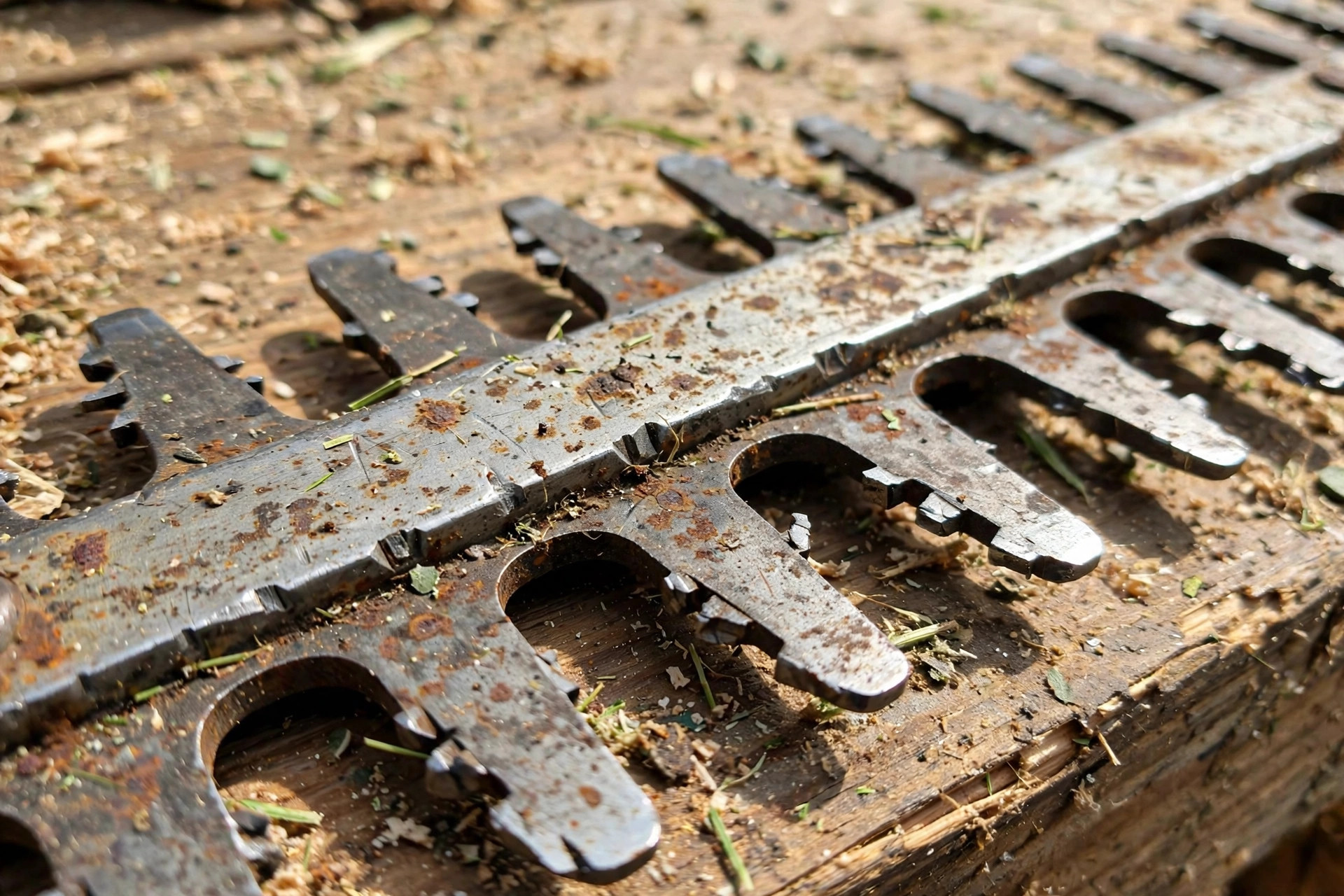
Blades Are Dull
Over time, blade edges wear down and lose sharpness. Dull blades cut poorly and may stop moving entirely. Inspect the edges closely for wear or bluntness signs. Sharpening restores the cutting edge and smooth movement again.
Blades Are Dirty and Dry
Dirt and debris build up on unwashed blades fast. Clogged teeth get stuck and stop moving smoothly. Dry blades without oil face extra friction every cut. Clean and oil the blades to free them again.
Clutch Is Broken or Loose
The clutch engages and disengages the blade movement itself. A broken or loose clutch leaves blades completely unresponsive. Inspect the clutch closely for damage or misalignment signs. Seek professional help for clutch repairs to stay safe.
Step Checks for Blades, Gearbox, and Bearings
Work through these checks in a calm, steady order. Start with the blades and move inward step by step. Each check takes only a few minutes to finish. Stop and unplug the trimmer before every check here.
| Part | What to Check |
|---|---|
| Blades | Damage, bent teeth, and debris between the teeth |
| Gearbox | Worn gears, broken teeth, and low lubrication inside |
| Bearings | Wear, dirt, loose play, and grinding sounds nearby |
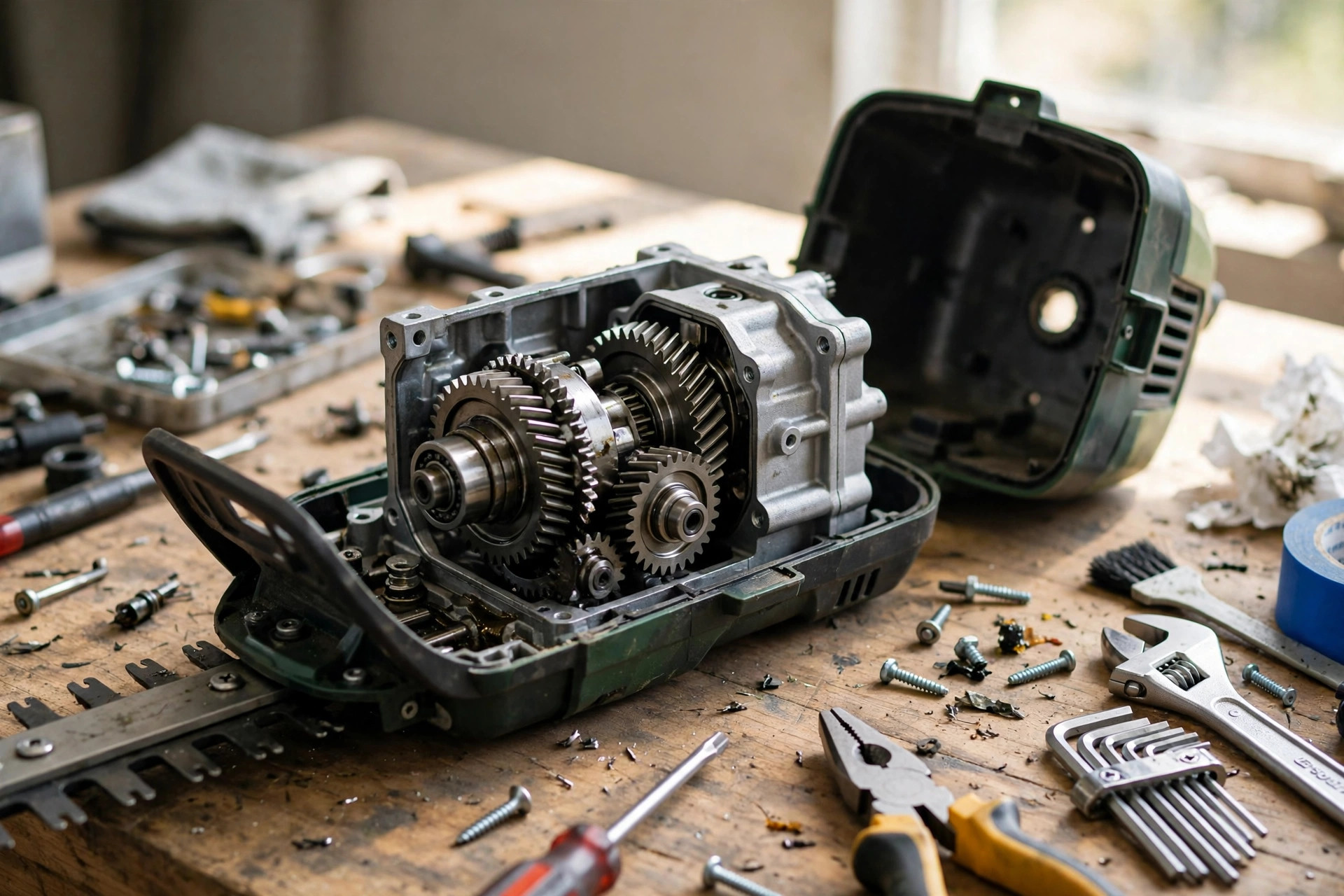
Inspect the Gearbox
The gearbox passes power from motor to blades directly. Worn or damaged gears can block blade movement fully. Check gears for wear and keep them properly lubricated. Our hedge trimmer repair guide covers deeper gearbox repairs.
Examine the Bearings
Bearings support the blade assembly and allow smooth rotation. Worn or dirty bearings can make the blades seize. Clean the bearings well and lubricate them after cleaning. Our cordless trimmer fault guide covers motor and battery faults.
Fixing Jammed and Stuck Blades
Jammed blades often free up with simple hand steps. Tight bolts can pinch the blades and stop movement. Misaligned washers can also bind the blades in place. Try each gentle fix below before replacing any parts.
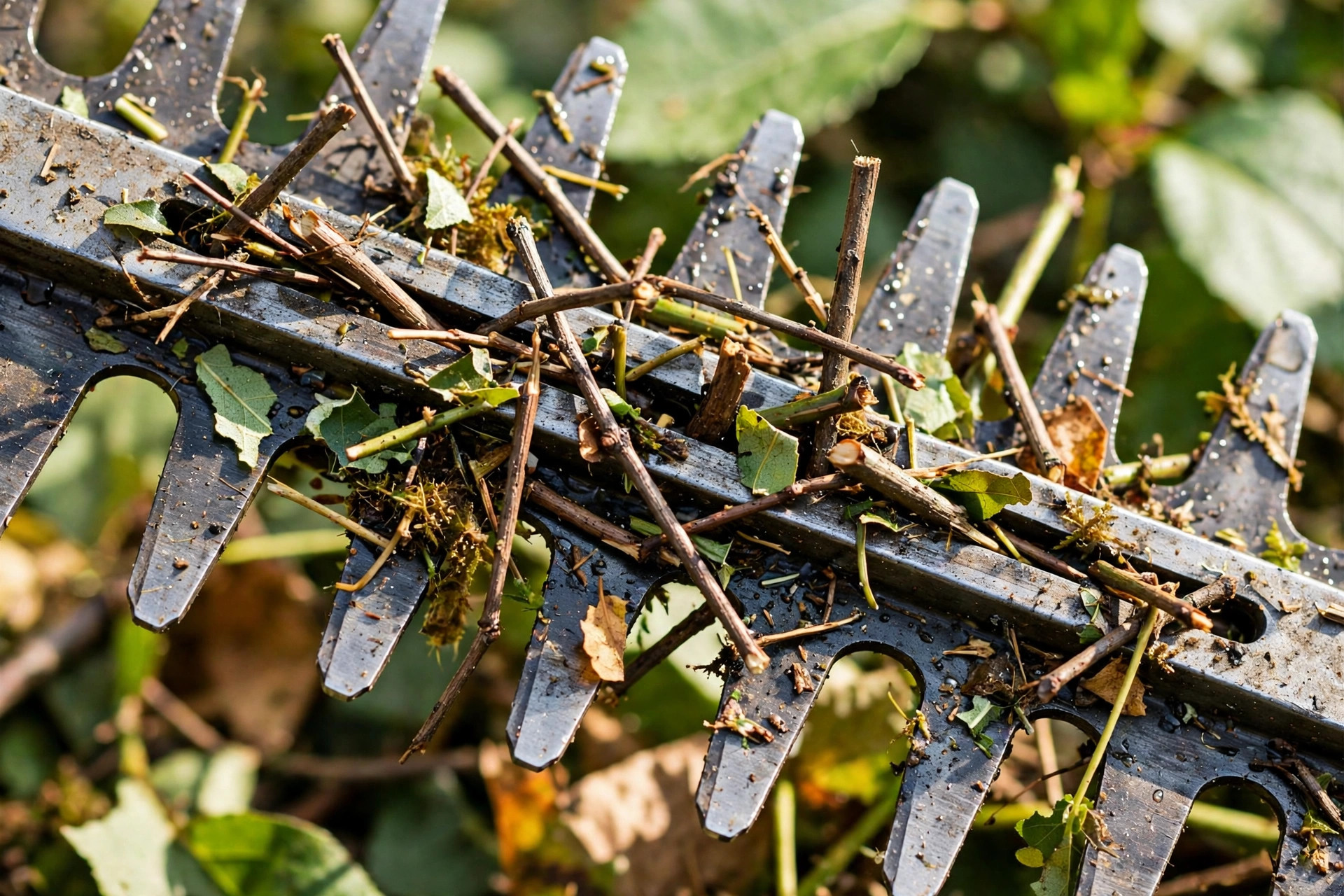
Loosening Bolts and Washers
Loosen the blade guide bolts only a little bit. A small gap lets the blades move more freely. Rotate the washers until they sit aligned and flat. Never overtighten the washers or the blades may bind.
Bent Teeth on Blades
Hard knocks against rocks can bend blade teeth sideways. Loosen the bolts on the blade guide first carefully. Bend the bent teeth back gently with pliers afterwards. Our oiling guide shows oiling that keeps blades moving.
Best Fixes for Each Blade Problem
Match each fault below with its proven fix here. Most fixes need only basic tools and patient hands. Disconnect the trimmer from power before every fix attempt. Wear protective gloves through every step for safety always.
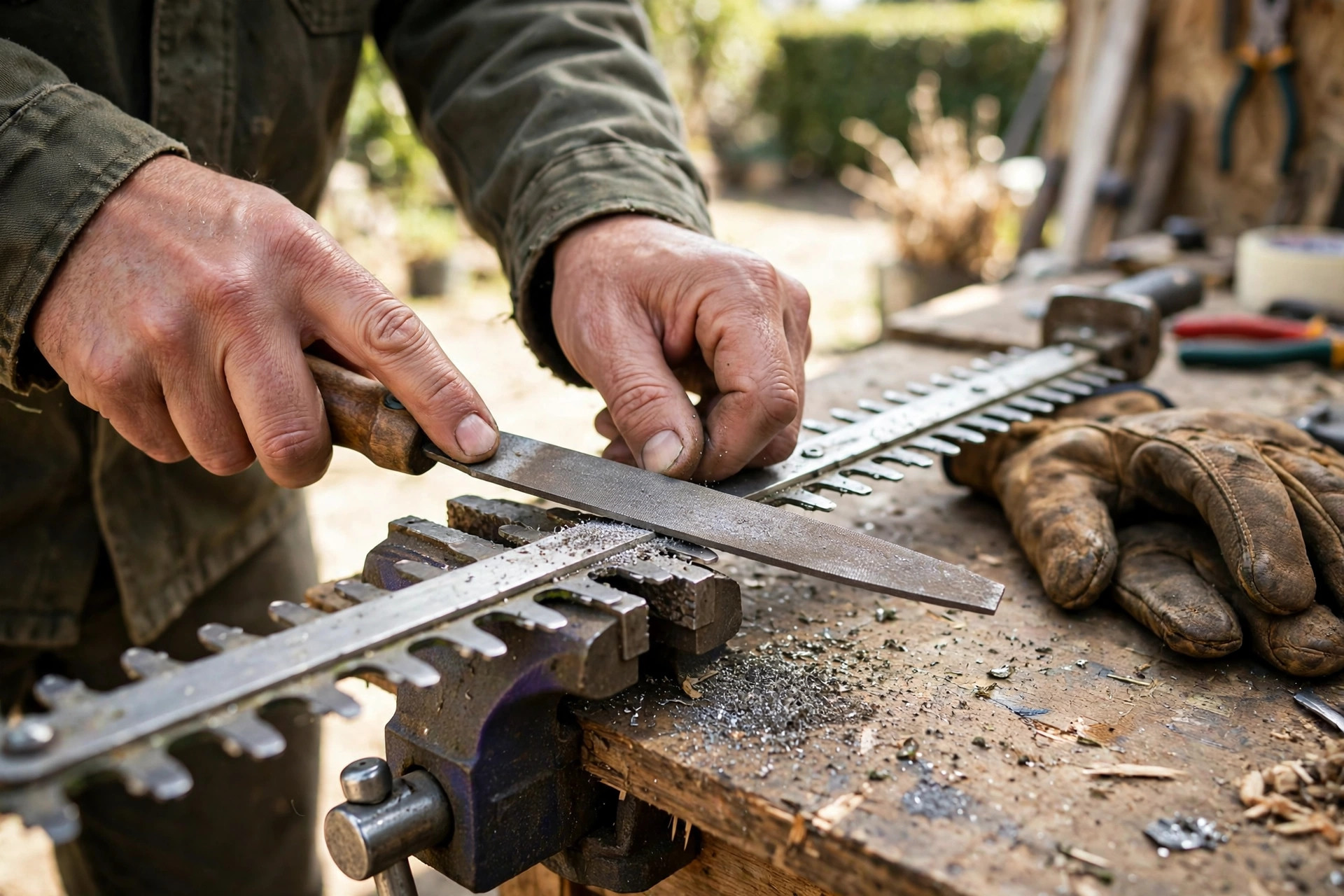
Sharpening to Solve Cutting Problems
Sharpen each tooth with a stone or file carefully. Keep a steady angle and light, even pressure throughout. Remove metal filings from the blades after sharpening them. A filiform gauge helps maintain the correct sharpening angle. See our full sharpening guide for the complete method.
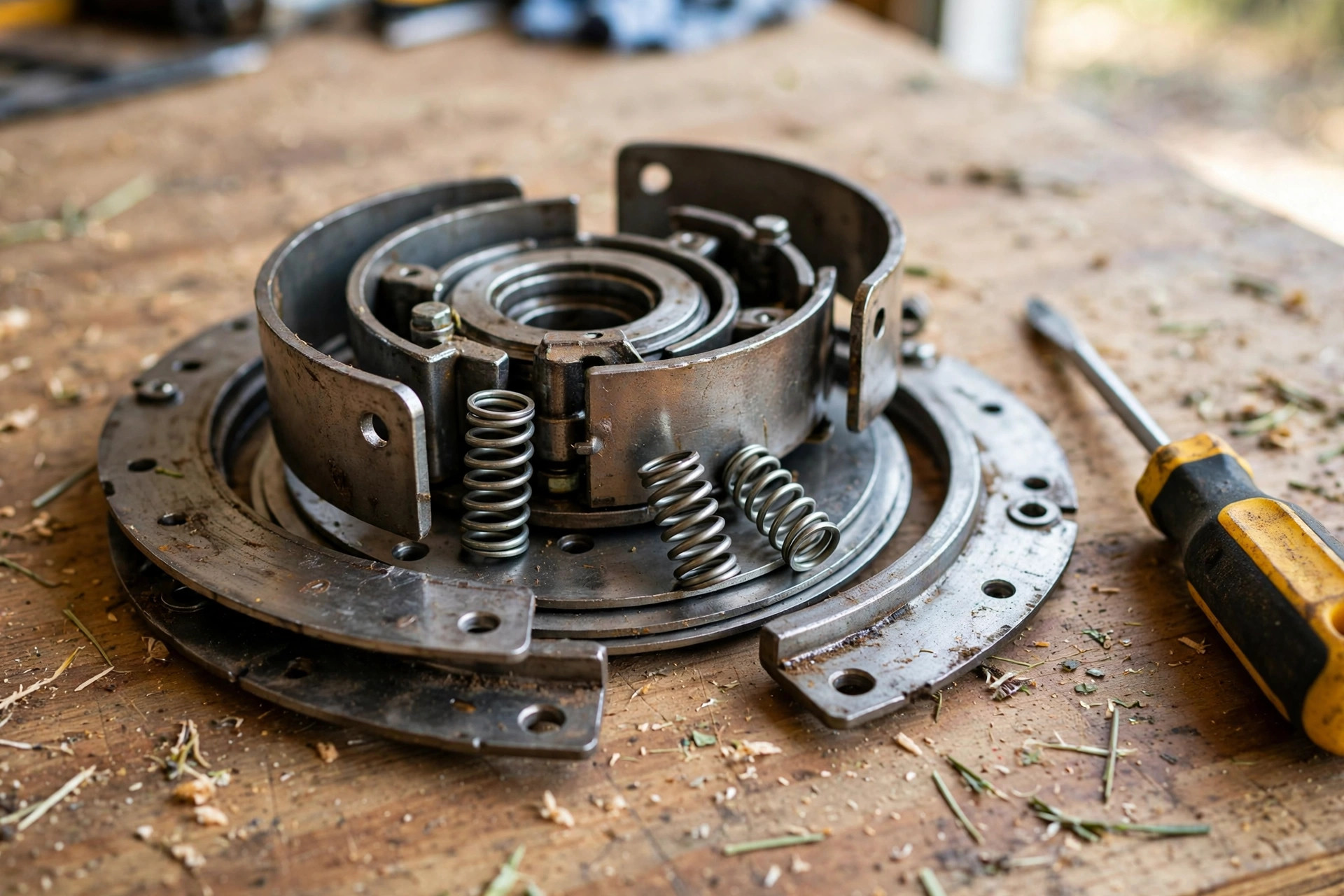
Adjusting or Replacing the Clutch
Remove the blade cover and find the clutch assembly. Adjust a misaligned clutch with a wrench or pliers. Replace a damaged clutch following the maker instructions closely. Test the trimmer carefully after you reassemble every part.
Please note: The causes section above advises professional help for clutch repairs. The fix steps here describe adjusting the clutch yourself. Both views come from the live post itself today. Choose professional help if any step feels unsafe.
Using the Right Maintenance Products
The right grease and oil keep blades moving smoothly. Wrong products can attract debris and slow blade movement. Pick products made for power tools and trimmer blades. Clean and oil the blades on a regular schedule.
Selecting the Proper Grease
Choose a high-quality lithium-based grease for power tools. General-purpose grease can lead to blade malfunction over time. Grease the gearbox parts as the maker directs you. Our WD-40 lubrication guide explains which oils suit blades.
Choosing the Right Lubricants
Lightweight machine oil suits hedge trimmer blades very well. Silicone spray also lubricates blades effectively and safely overall. Heavy oils attract debris and hinder blade movement badly. Our blade lifespan guide shows how care extends blade life. The Wikipedia page on hedge trimmers explains how these tools work.
Frequently Asked Questions
How do you unstick hedge trimmer blades?
Check first for dull blades or bent teeth problems. Sharpen dull blades or bend teeth back with pliers. Clean the blades and lubricate them well afterwards too. A broken clutch may need professional repair help instead.
Why does my hedge trimmer work but not cut?
Dull blades or bent teeth usually cause this fault. Sharpen the blades to restore their cutting edge again. Loosen guide bolts and straighten bent teeth with pliers. Keep the blades clean and lubricated after every repair.
Why do the blades on my hedge trimmer keep jamming?
Dull blades and debris buildup cause most repeated jams. Misalignment can also make the blades jam often unexpectedly. Clean and grease the gearbox during regular upkeep checks. Check that the safety switch works properly as well.
What do I use to lubricate my hedge trimmer blades?
Use a suitable lubricant recommended by the trimmer maker. Apply the lubricant regularly for smooth blade movement always. Good lubrication also helps prevent rust from forming. Light machine oil and silicone spray both work well.
Should I replace a damaged gearbox or bearings?
Broken or missing gear teeth may need gearbox replacement. Severely damaged bearings may also need full replacement parts. Clean and lubricate both parts before you replace them. Regular upkeep prevents most gearbox and bearing damage overall.
Conclusion: Why Is My Hedge Trimmer Blade Not Moving?
So why is my hedge trimmer blade not moving today? Dull, dirty, or dry blades cause most cases here. Bent teeth and jammed branches block many blades too. A worn clutch or damaged gearbox can stop the rest.
Sharpen, clean, and oil the blades before replacing parts. Check the clutch, gearbox, and bearings in that order. Regular care keeps the blades moving smoothly through every season. Your trimmer will trim hedges cleanly once again soon.