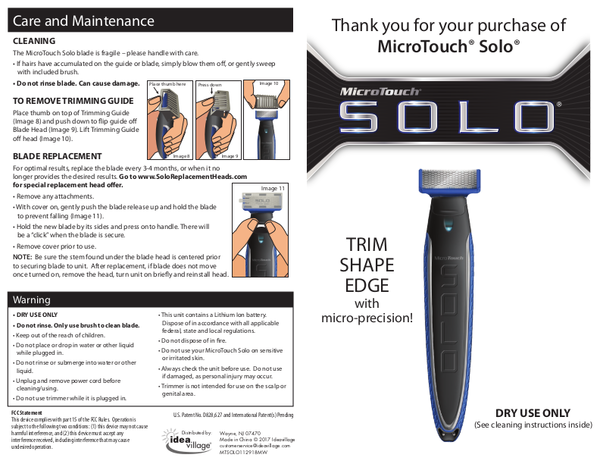
How to Clean Micro Touch Trimmer
How to clean micro touch trimmer heads matters a lot. Clean heads cut smooth and last much longer. Dirt and oils build up with each use. A clean tool works better and stays more hygienic. Clean heads work better each day. Buildup grows with each use. Sharp, clean blades last longer. A clean tool stays more hygienic. Dirt and oils build up fast.
You clean this trimmer in eight plain steps. A soft brush clears loose hair and dirt. Warm water rinses the loose head clean after that. A last dry wipe guards against rust. Our titanium trimmer guide covers day-to-day use basics. Eight steps cover the whole job. The brush comes first each time. Warm water does the rinsing. A dry wipe ends the routine. Steps stay plain from start to end.
The trimmer itself is not fully waterproof though. Never put the whole device under water. Only the loose head meets water during cleaning. The Wikipedia hair clipper page explains electric grooming tools in general. Only the loose head meets water. The body stays out of water. Water harms the whole device. The loose head alone gets wet. Cleaning never soaks the body.
Quick answer: Clean the trimmer after every single use. Brush loose hair from the detached head first. Rinse the head under warm running water carefully. Wipe the body with a slightly damp cloth. Dry every single part fully before storing it away.
How to Clean Micro Touch Trimmer: Overview
A clean trimmer works better each time. Cleaning clears hair, dirt, and product buildup fast. It also extends blade life. The routine below takes just a few minutes. Our clipper oiling guide covers blade care on its own. A few minutes cover the routine. Clean blades live longer too. Buildup comes off fast. The routine stays short and plain. Blade life grows with cleaning.
| Quick Step | What the Post Says |
|---|---|
| Remove the trimming head | Twist it counterclockwise and lift it off |
| Brush away loose hair | Use a soft-bristled brush on the head |
| Rinse the head | Hold it under warm running water briefly |
| Dry fully and store | Air dry, then store in a dry place |
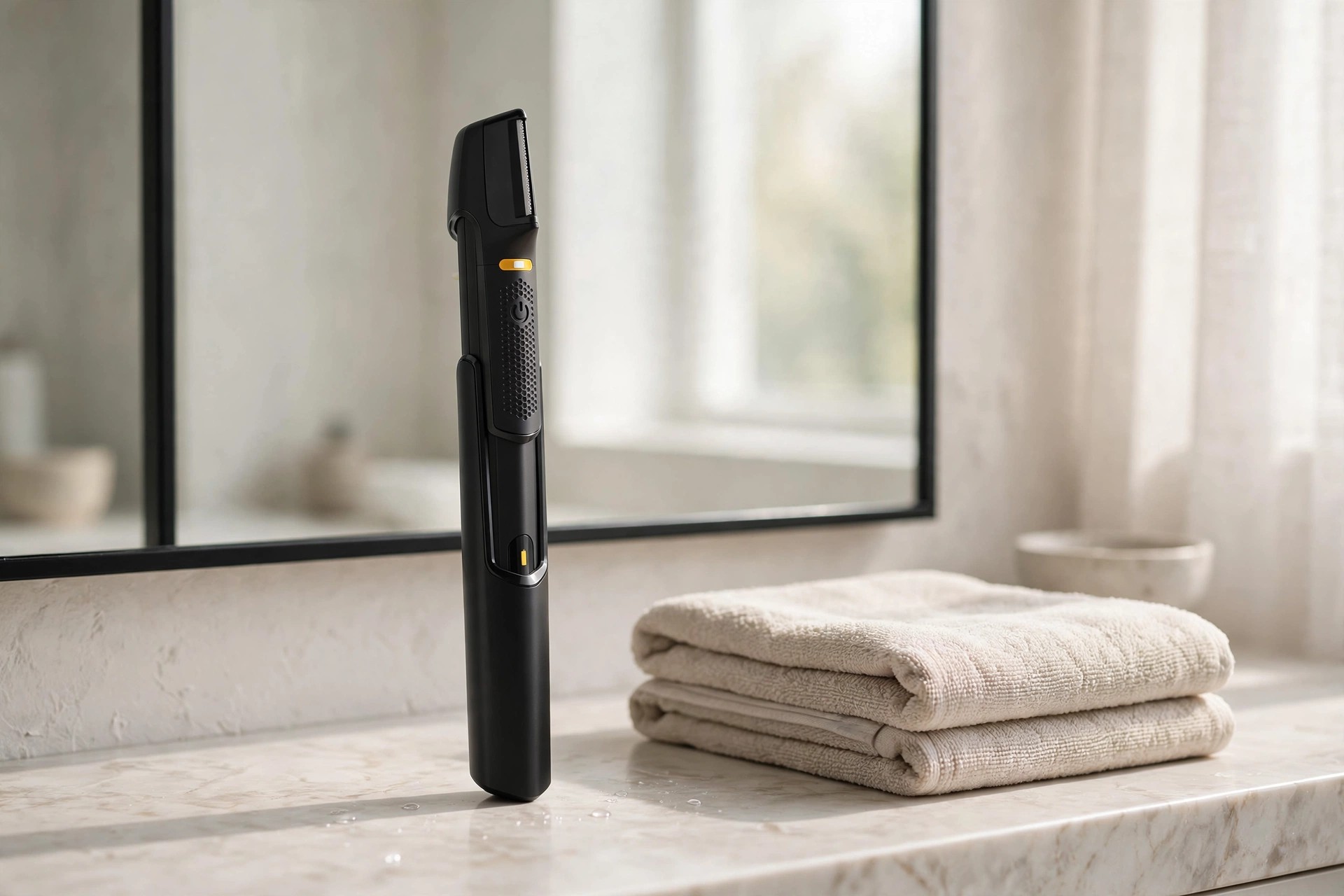
Gather Your Cleaning Supplies
Gather each supply before you start. Keep the work area dry and well lit. Good light shows hidden dirt and buildup with ease. Never rush through the cleaning routine itself. Supplies come first, work comes next. Dry, lit space helps you see dirt. Slow work beats rushed work. Good light shows hidden dirt. Rush ruins the routine.
| Supply | What It Does |
|---|---|
| Soft-bristled brush | Removes loose hair and surface debris gently |
| Cotton swab | Reaches tight spots that brushes miss easily |
| Mild soap or detergent | Washes grime away without harsh chemicals |
| Clean cloth | Wipes the body and dries parts afterwards |
| Warm water | Rinses the detached head clean and safe |
Clean the Trimmer in Eight Steps
Steps 1 to 3: Power Down and Remove the Head
Unplug the trimmer from any power source first. Take off the loose head or blade assembly with care. Slide the release button or lever open gently. Lift the head away from the body slowly. Power comes off before parts move. The head lifts off gently. Slow hands keep parts safe. The release slides open gently. Care keeps the assembly safe.
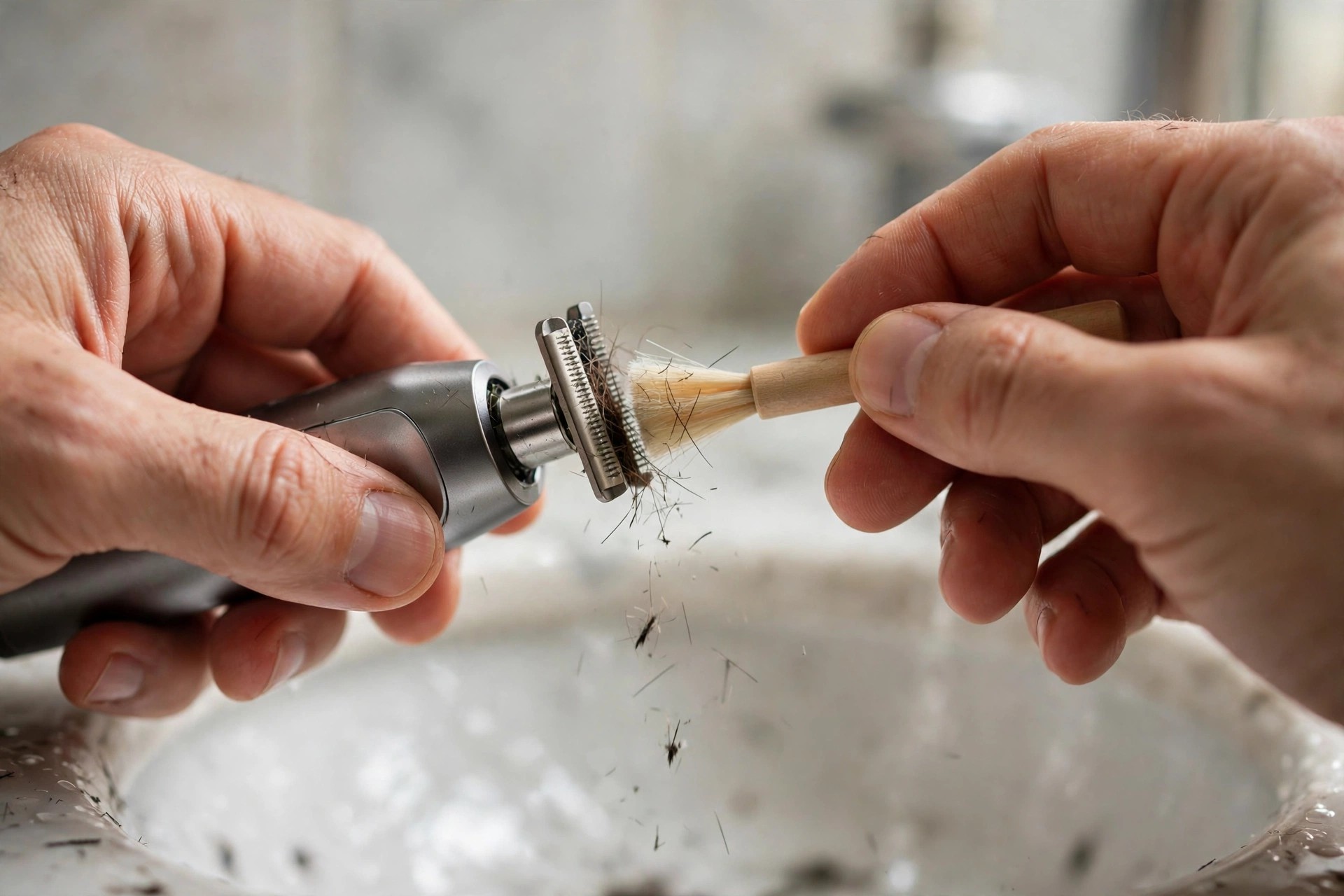
Step 4: Brush and Wash the Head
Brush away loose hair, dirt, and debris first. A cotton swab with mild soap reaches tight spots. Never press hard on the delicate blade assembly. Avoid excessive pressure while scrubbing the small parts. Loose hair comes off first. Mild soap reaches tight spots. Soft pressure guards the blades. Tight spots need a swab. Debris comes off before washing.
Please note: The detailed step warns against immersing the blade assembly in water. The FAQ answer below allows soaking the trimming head in soapy water. Both statements stay here exactly as the post published them.
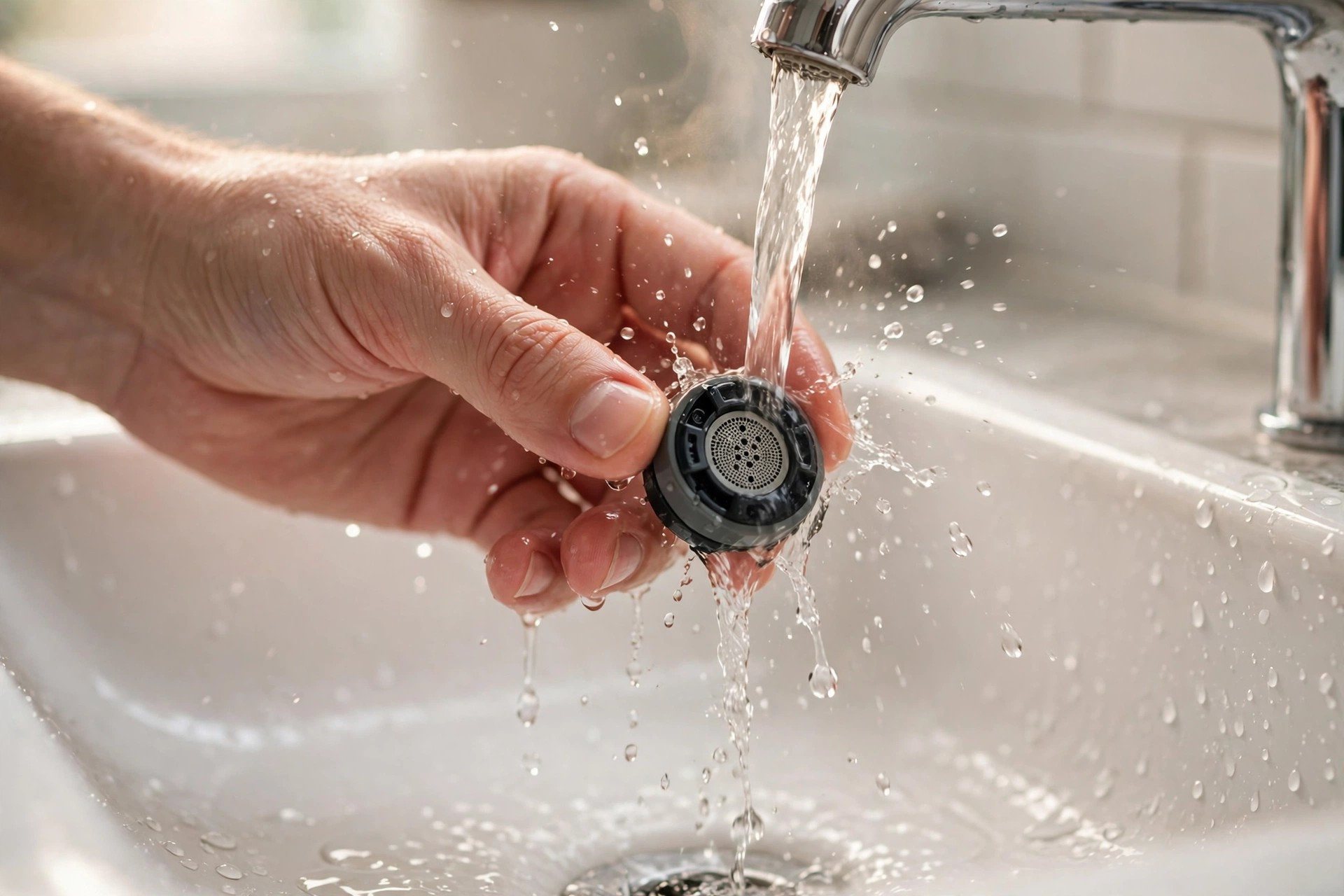
Steps 5 to 8: Wipe, Dry, and Reassemble
Wipe the body with a slightly damp cloth. Keep the cloth damp, not dripping wet. Let each cleaned part dry in full next. Put the head back and lock it in place. A damp cloth wipes the body. Parts dry in full before storage. The head locks back in place. Each part dries in full. Damp, not wet, is the rule.
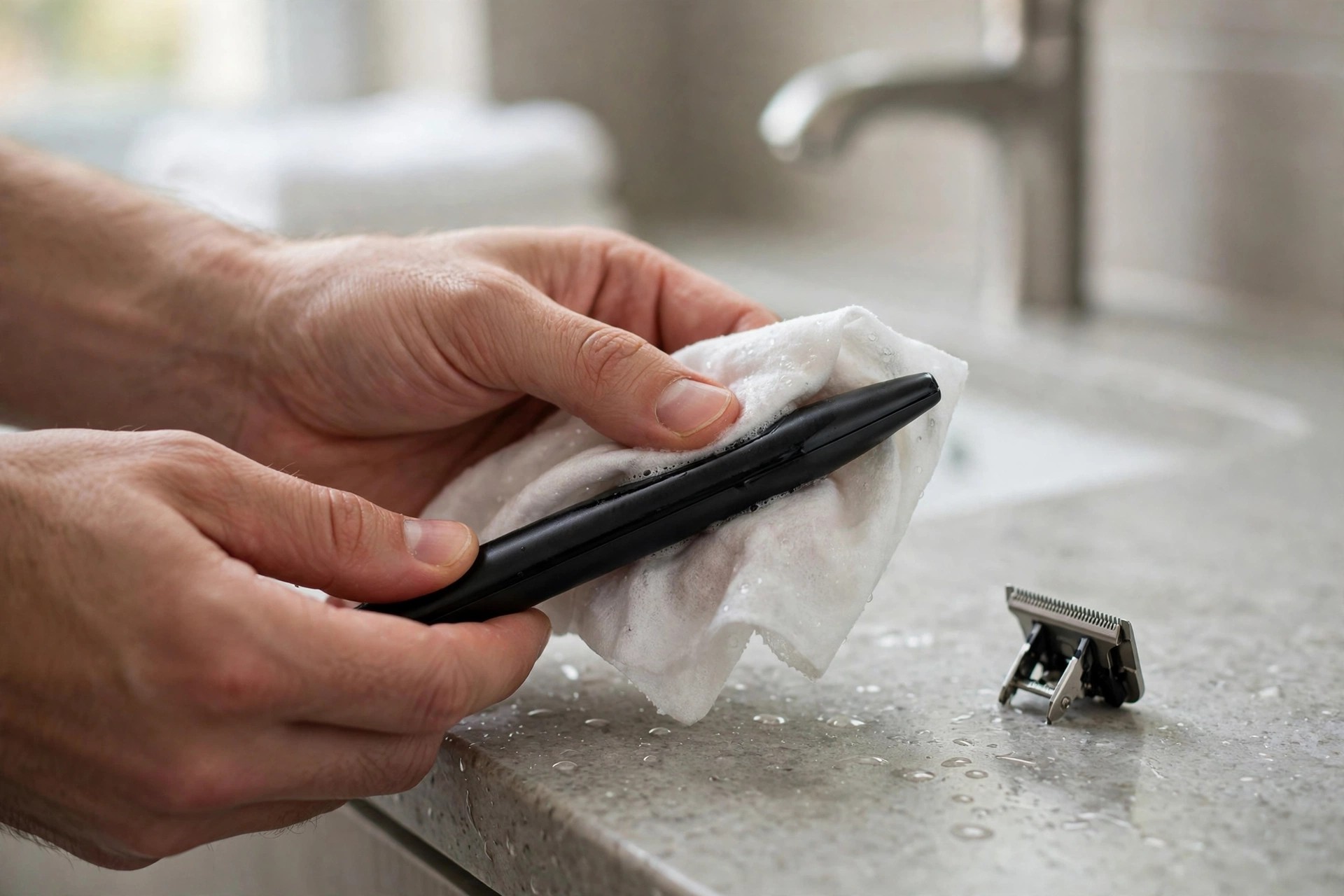
Give cleaned parts one last dry wipe too. That last wipe stops rust from forming later. Clean the trimmer after each use without fail. Oil the blades now and then, following manufacturer instructions carefully. One last wipe guards against rust. Clean after each use, each time. Oil keeps blades in good shape. Blades get oil now and then. Rust forms when parts stay wet.
Habits That Keep It Clean
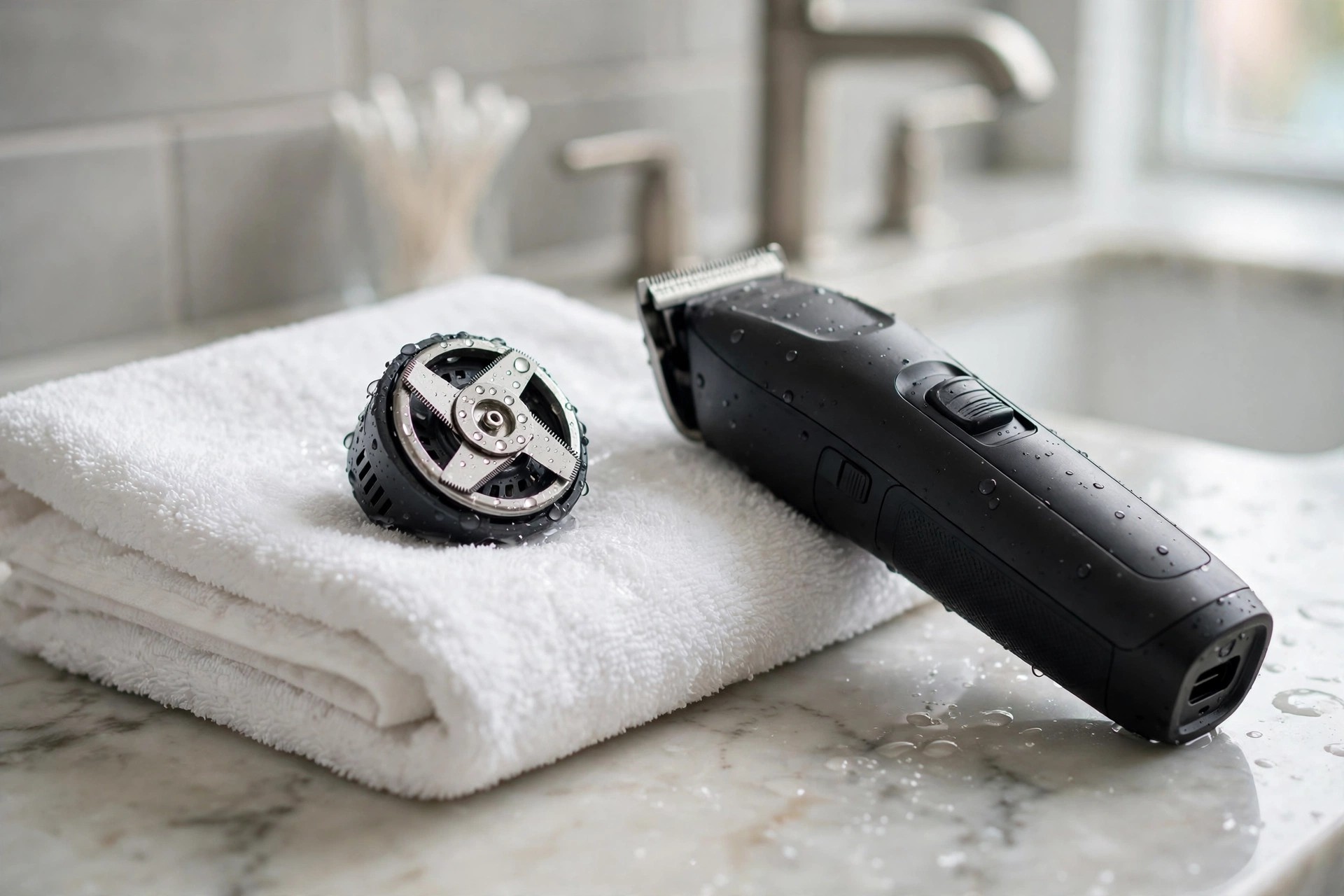
Store the trimmer in a clean, dry place. Dry storage stops rust and odors from forming. Never share the trimmer with another person. Sharing spreads germs and dulls the blades faster. Dry storage stops rust and odors. Sharing spreads germs fast. Keep the trimmer for yourself. One user only, every time. Rust and odors fear dry storage.
Replace the trimming head now and then for best results. Regular maintenance keeps the device working like new. Our Panasonic cleaning guide shows another brand routine. Our T-blade guide covers edging technique basics. New heads restore best results. Upkeep keeps it working like new. Two guides add more depth here. Heads wear out over time. Best results need fresh heads.
Frequently Asked Questions
How often should I clean my Micro Touch trimmer?
Clean your Micro Touch trimmer after each use. This stops hair and product buildup from forming. A quick routine keeps the blades cutting smoothly. It also keeps each shave hygienic and safe. Skipping cleanings shortens the life of the head. Each use ends with a cleaning. Buildup never gets to form. Clean blades keep shaves safe. Quick routines keep blades smooth. Hygiene rides on each cleaning.
Can I use water to clean my Micro Touch trimmer?
Yes, you can rinse the trimming head safely. Hold the loose head under running water briefly. The trimmer itself is not fully waterproof though. Never put the whole device in water. Only the loose head should meet water directly. The loose head rinses under water. The body never goes under water. Brief rinses keep the head safe. Running water rinses the head. Safe rinsing covers the head only.
Should I use any cleaning solutions or alcohol?
We do not recommend cleaning solutions or alcohol. Mild soap works gently during the detailed steps. Harsh products can damage the small, delicate parts. They may also irritate your skin later. Stick with the brush, swab, and soap. Mild soap does the gentle work. Harsh products harm small parts. Brush, swab and soap suffice. Skin stays safer with mild soap. Alcohol stays off the parts.
How do I clean the blades of my Micro Touch trimmer?
Brush away loose hair and debris first gently. Use the included brush or a soft-bristled brush. A cotton swab reaches the tighter areas well. For heavy dirt, soak the head briefly. Warm soapy water loosens stubborn buildup quite effectively. A soft brush clears loose hair. Swabs reach the tight areas. Warm soapy water loosens dirt. Heavy dirt needs a brief soak. The included brush does the work.
How can I maintain the cleanliness of my Micro Touch trimmer?
Regular cleaning after each use stops buildup forming. Store the trimmer in a clean, dry place. Never share it with anyone else at all. Sharing spreads germs between users fast. Replace the trimming head now and then for hygiene. Cleaning after each use stops buildup. Dry storage keeps it clean. New heads keep hygiene high. Sharing spreads germs between users. Fresh heads guard hygiene too.
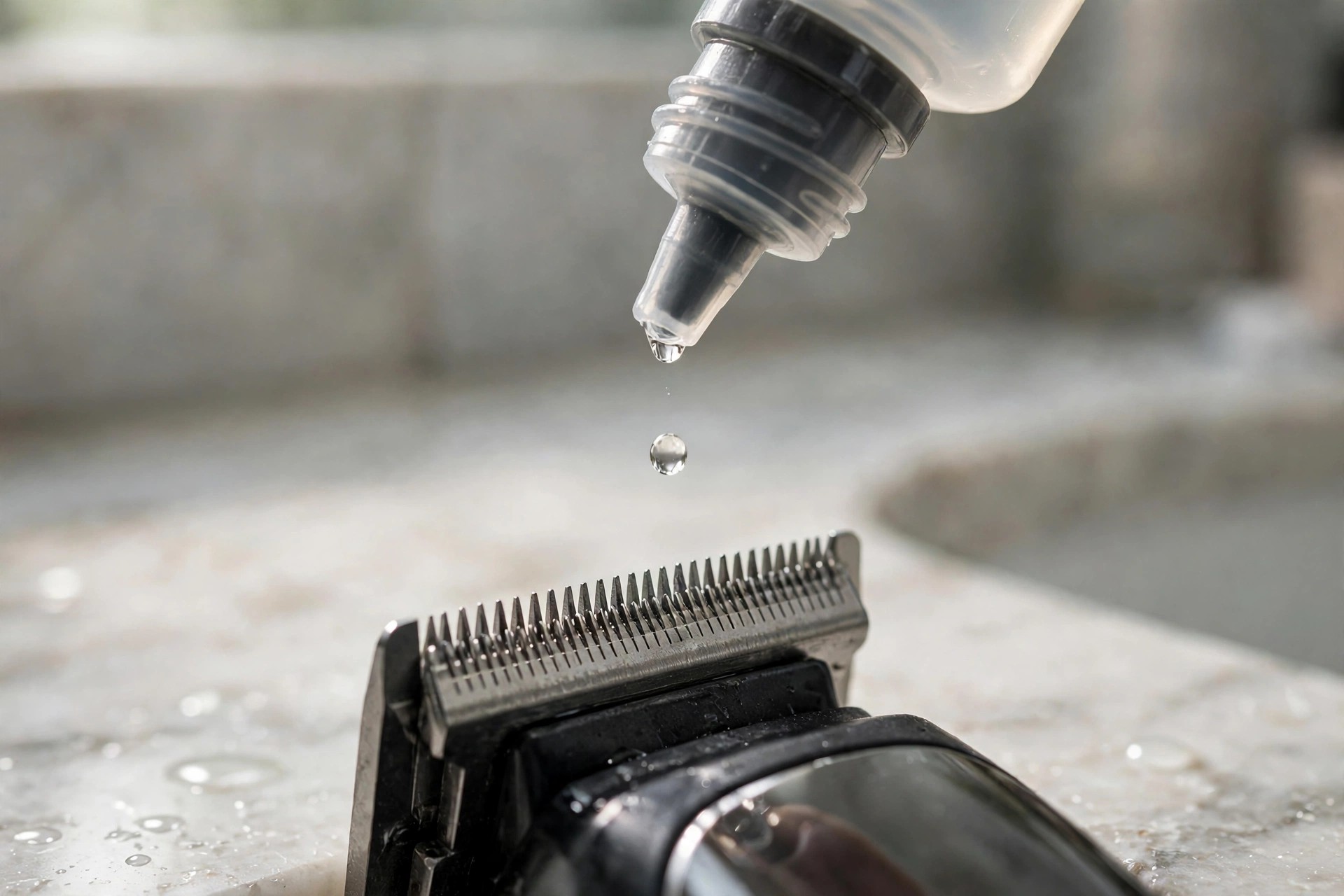
Small habits protect the trimmer between cleanings too. Our blade oiling guide explains why oil matters. Our lubrication guide shows the oiling routine. A few drops of oil keep blades smooth. Oil matters between cleanings too. A few drops keep blades smooth. Two guides cover oiling in full. Oil keeps blades running smooth. Drops of oil go a long way.
Conclusion: How to Clean Micro Touch Trimmer
So, learning how to clean micro touch trimmer heads pays off. Eight plain steps keep the device hygienic daily. Gentle brushing and rinsing protect the small parts. Full drying stops rust from forming between uses. A clean head also glides across skin smoothly. Eight steps keep the device hygienic. Full drying stops rust forming. Clean heads glide across skin. Small parts need gentle care. Pays off in smooth daily shaves.
Clean the trimmer after each use without fail. Dry storage and oiling now and then extend its life. Your trimmer then stays sharp, safe, and ready. Good habits turn minutes into years of service. Our starting guide helps when trimmers refuse power. Dry storage extends its life. Good habits add years of service. Sharp, safe and ready each day. Minutes of care pay back years. The tool stays ready for use.