How to Open Panasonic Trimmer
Struggling with a stuck trimmer wastes precious minutes. Learning how to open panasonic trimmer helps greatly. Opening it unlocks cleaning and simple part replacement. Grooming fans and professional barbers both benefit. Panasonic builds durable and precise grooming tools.
This guide walks through the whole process carefully. Tool preparation and screw removal come first. Blade access, cleaning, and reassembly follow afterwards. Testing and safe storage finish the routine. Each model varies slightly in its design.
Gentle hands prevent most opening mistakes entirely. Forcing the cover risks real internal damage. The manufacturer manual always guides your model. Careful work keeps the trimmer working longer.
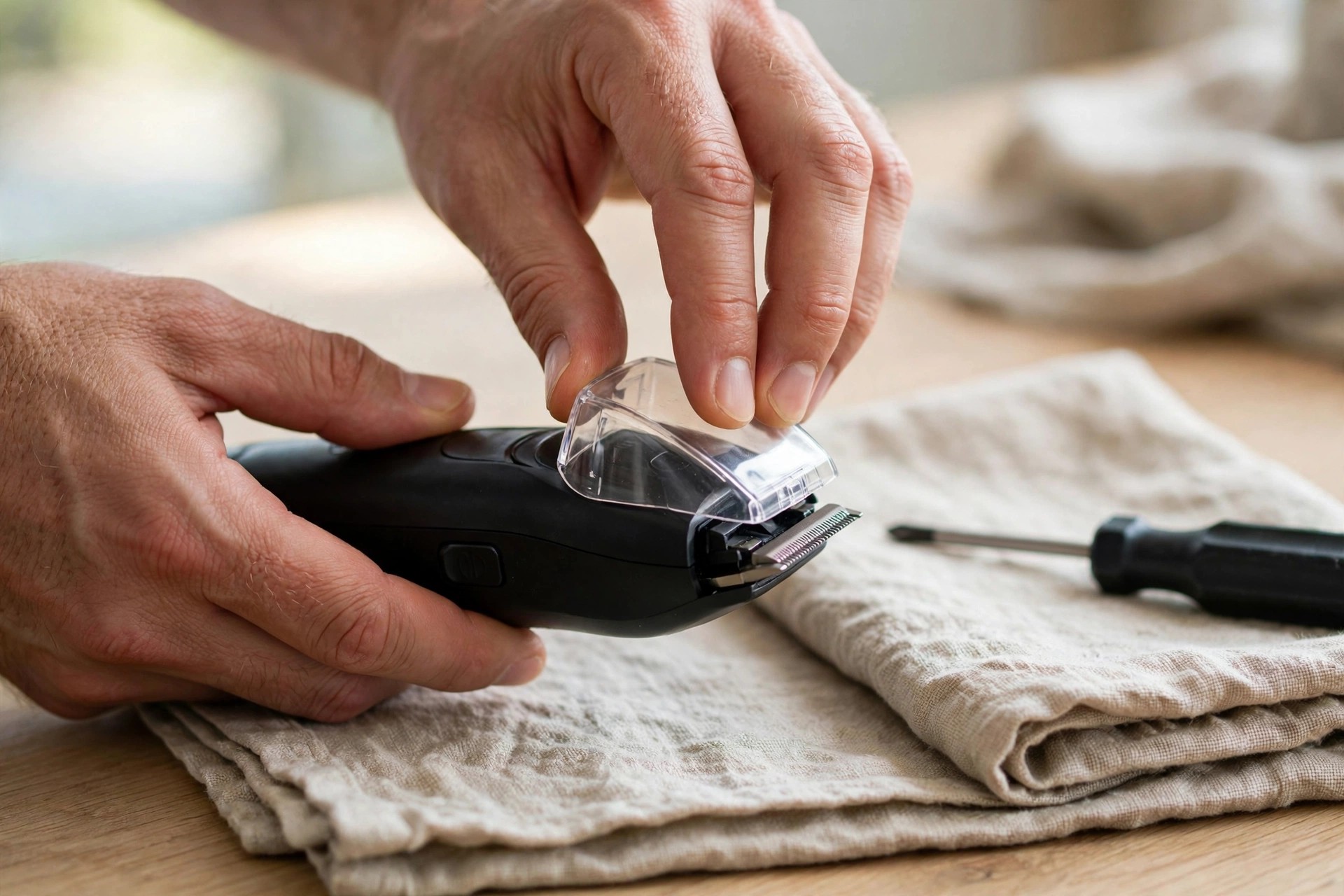
Quick answer: Turn the trimmer off and unplug it first. Find the small release button on the body. Press the button to unlock the trimmer head. Lift the head gently to reach the blades. Clean the inside thoroughly before closing it again.
How to Open Panasonic Trimmer: Quick Answer
The quick list below mirrors the post. Five short actions cover the whole routine. Detailed steps then expand every action fully.
| Quick Step | What the Post Says |
|---|---|
| Power down | Turned off and fully unplugged first |
| Find release | Small release button or lever |
| Unlock head | Press button to unlock the head |
| Lift gently | Lift head to reach the blades |
| Lock shut | Close until it locks into place |
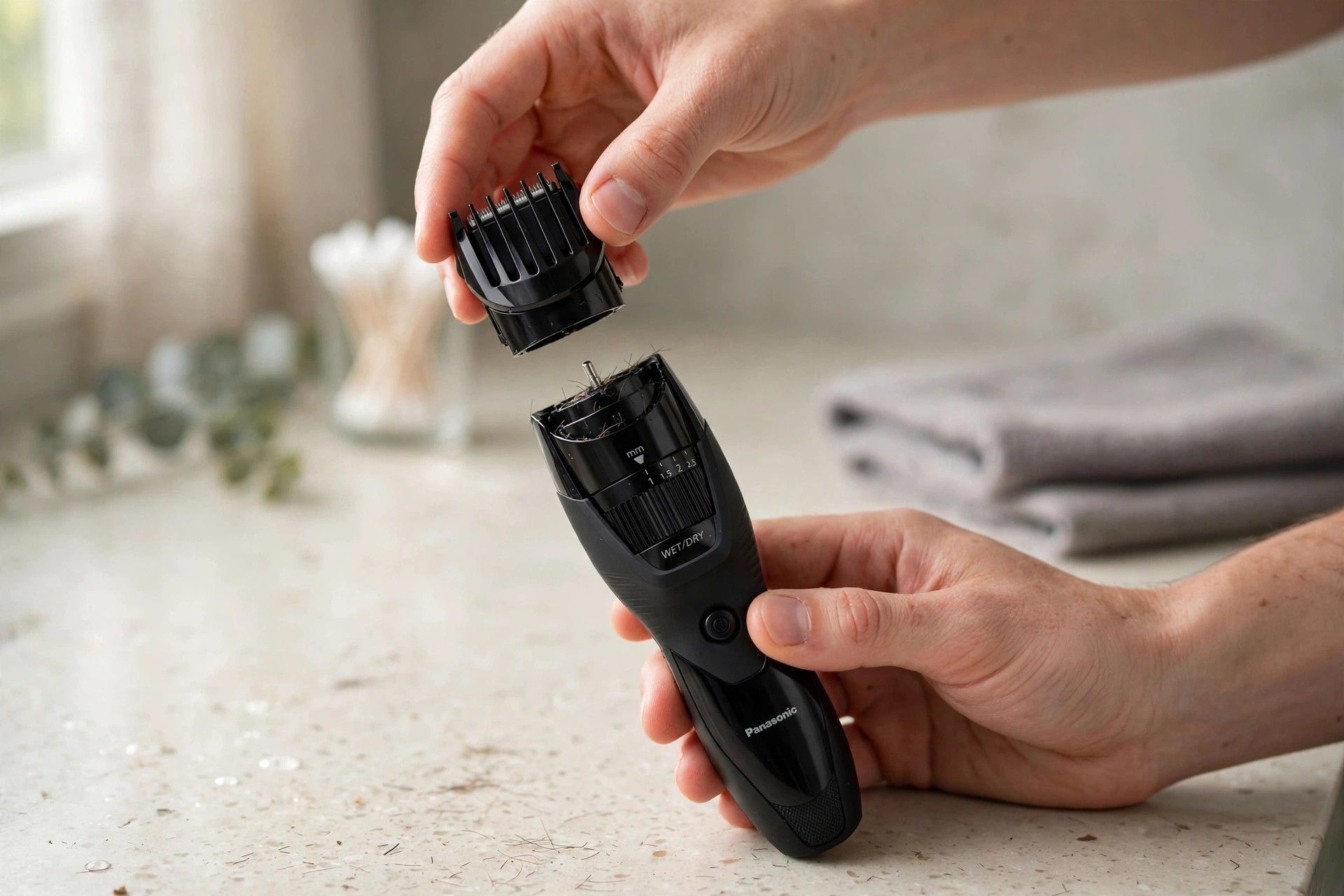
The Wikipedia Panasonic page profiles the brand behind it. Our Panasonic cleaning guide details routine cleaning steps. Our Panasonic usage guide covers everyday trimming technique. Knowing the process prevents frustrating first attempts.
Gather Tools, Remove Screws and Lift Cover
Gather the necessary tools before you begin. You need a small Phillips screwdriver first. A clean cloth and tweezers complete it. Ready tools keep the whole process smooth.
| Tool | What the Post Says |
|---|---|
| Phillips screwdriver | Removes the small cover screws |
| Clean cloth | Wipes the inside parts clean |
| Tweezers | Removes hair and debris carefully |
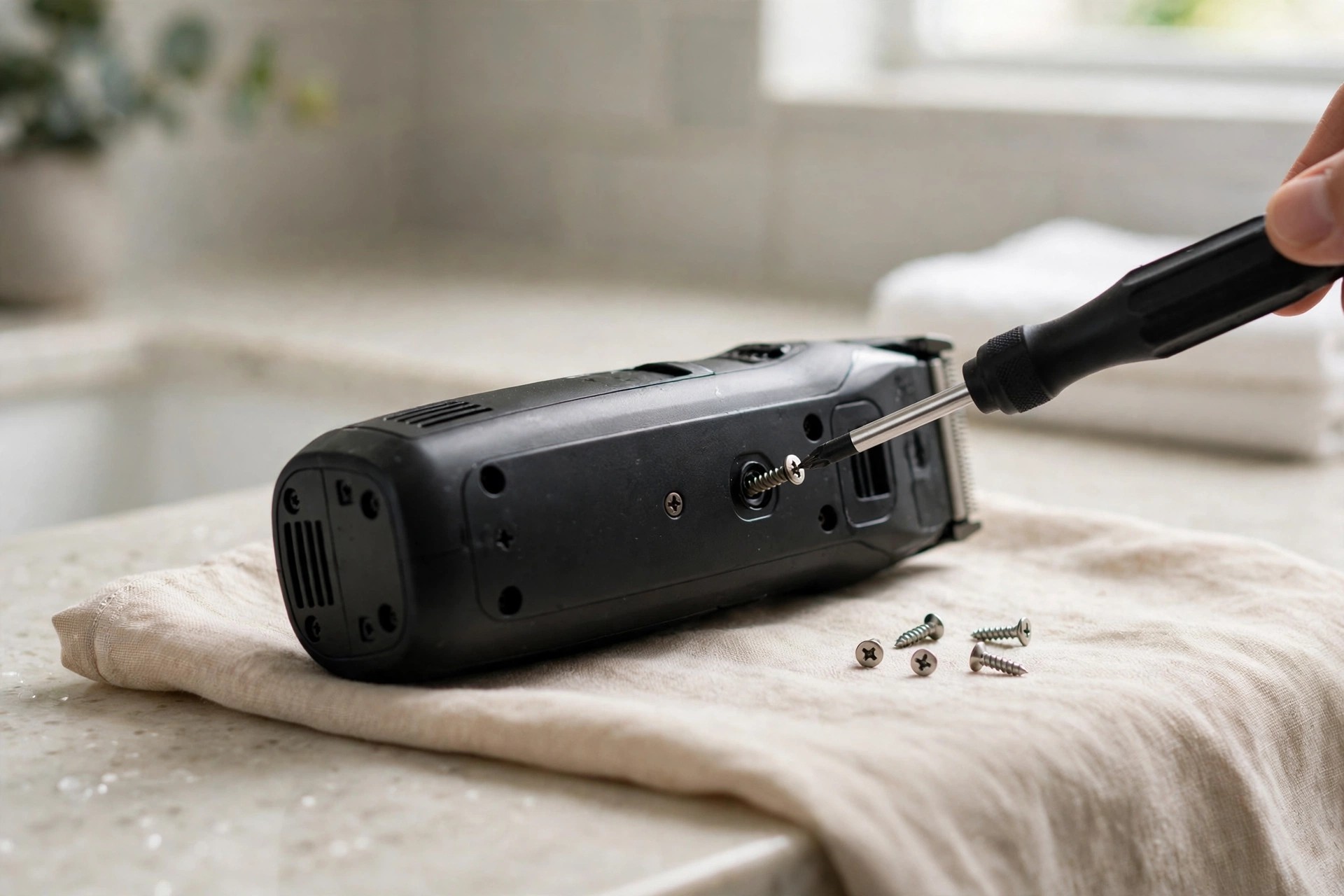
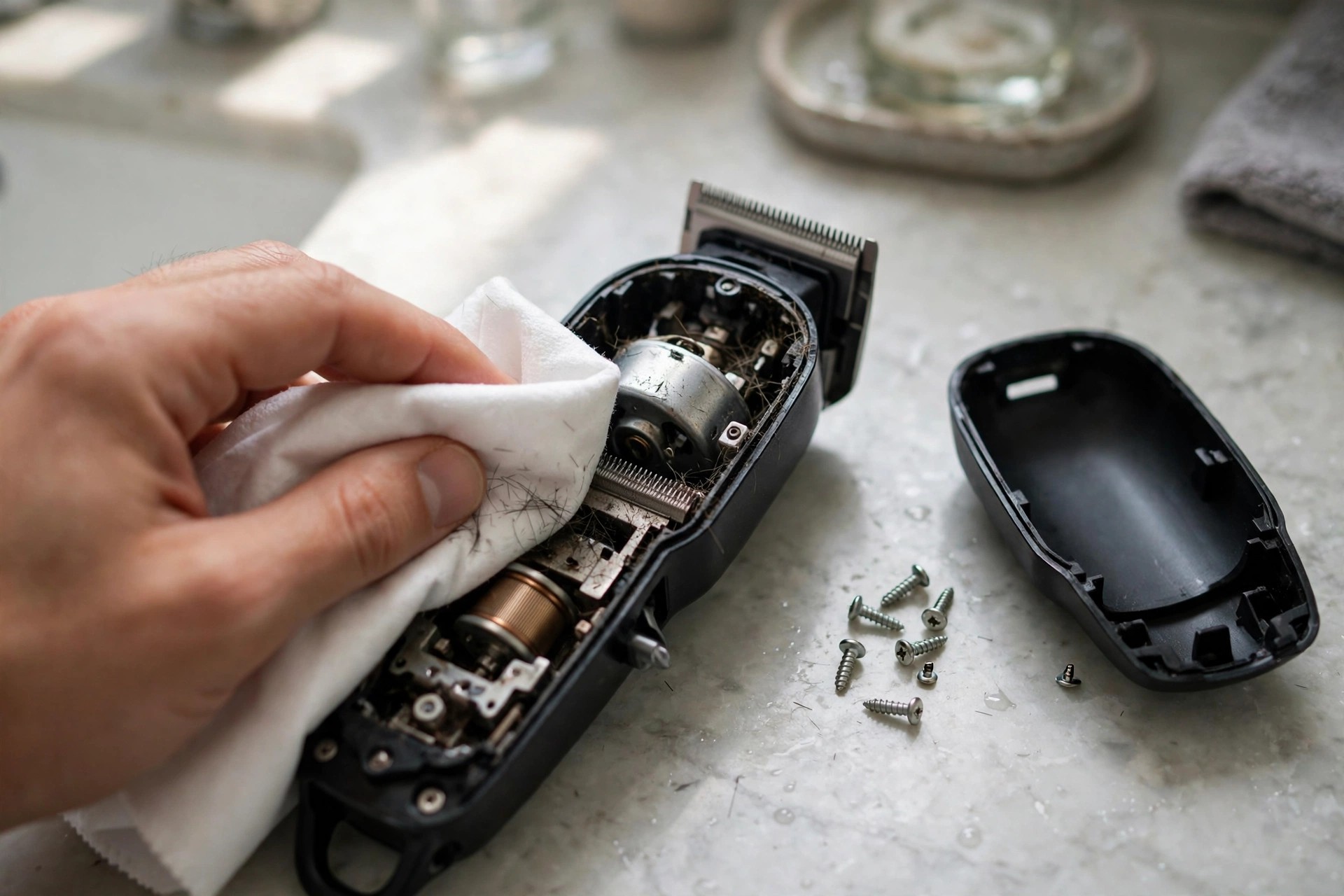
Look for the screws holding it together. Screws usually sit on back or sides. Remove them with the small Phillips screwdriver. Store the screws somewhere safe from loss.
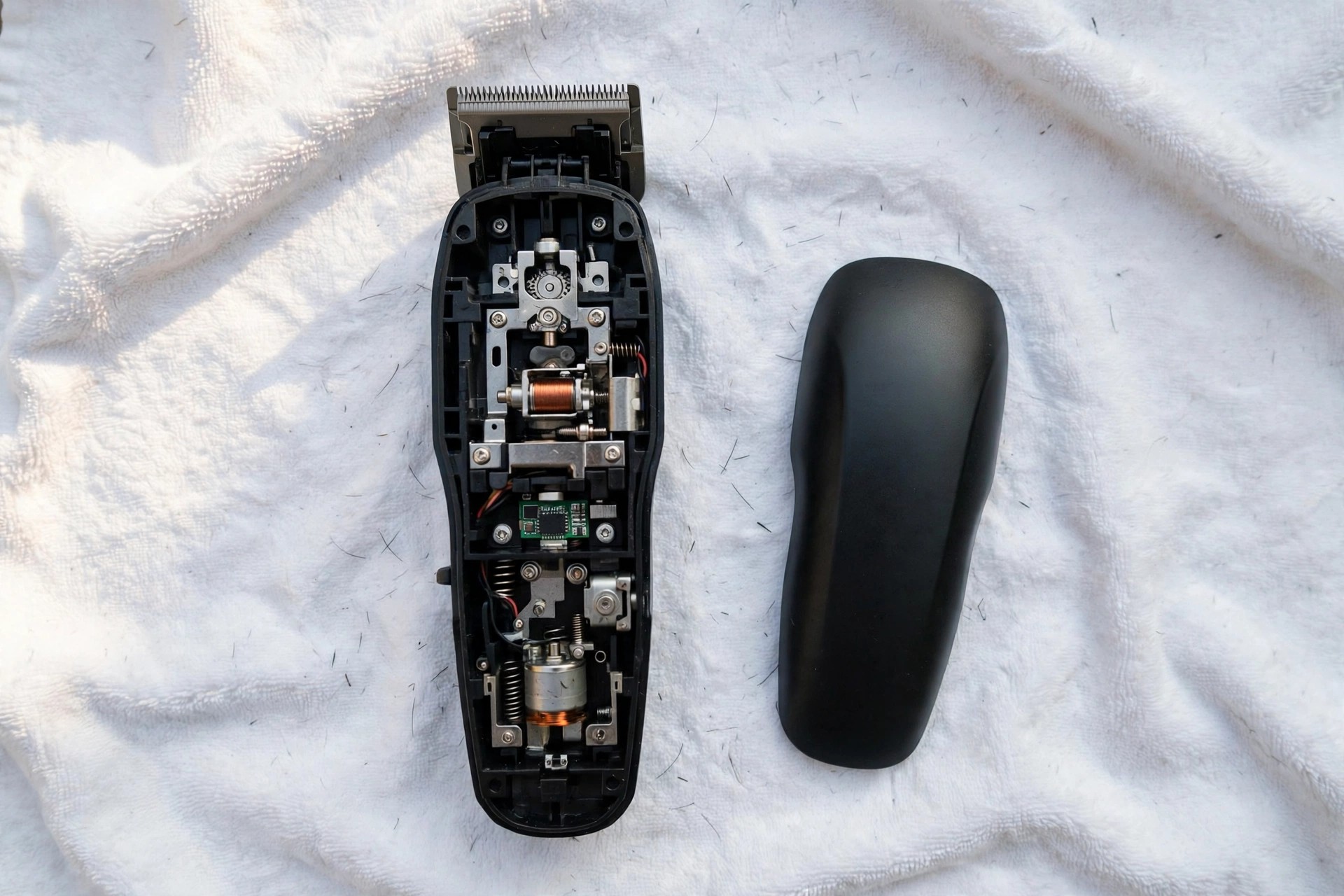
Gently lift the cover off the trimmer. Never force stubborn covers open by strength. Recheck for remaining screws if it resists. Set the removed cover safely aside afterwards. Our Philips opening guide shows another brand approach.
The blades and parts now sit exposed. Tweezers remove accumulated hair and debris carefully. The manual guides any part replacement work. Our blade oiling guide explains lubrication fully afterwards.
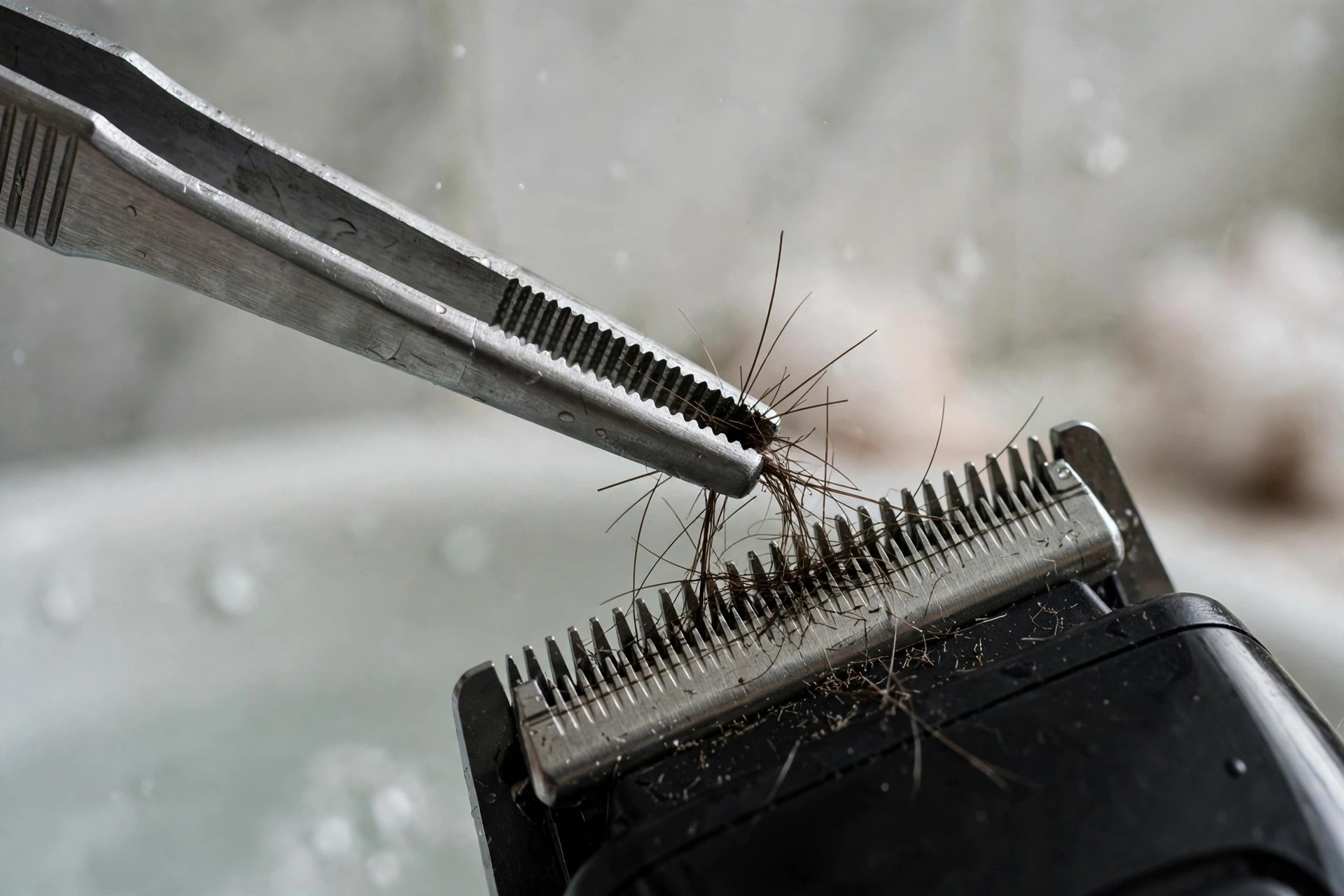
Clean Inside, Reassemble and Test It
Wipe the inside with a clean cloth. The cloth removes any remaining loose debris. Reattach the cover back into its place. Tighten the screws to secure it firmly.
Test the trimmer before using it again. Turn it on and check blade movement. Smooth motion and normal sound signal success. Store it clean, dry, and safely away. Keep it away from moisture and sunlight.
Please note: The quick answer opens it without any tools. Two answers repeat that tool-free release method. The detailed steps instead remove cover screws. They require a small Phillips screwdriver first.
Regular cleaning prolongs the trimmer lifespan greatly. Lubricating blades follows manufacturer recommendations over time. Professional help suits any difficult opening attempt. Panasonic support or authorized centers assist safely.
Our Panasonic charging guide covers charging this brand. Our charging time guide compares charging times broadly. Our clipper cleaning guide details general cleaning steps. The Wikipedia hair clipper page explains clipper basics.
Frequently Asked Questions
How do I open a Panasonic trimmer for cleaning?
Locate the release button on the body. Press or slide it to unlock the head. Pull the head gently away from the body. Clean the blades and remove accumulated debris. Reattach the head until it clicks firmly.
Can I open a Panasonic trimmer without using any tools?
Yes, most models open without additional tools. Built-in mechanisms keep the design user friendly. Follow the manual instructions for your model. Find the release button on the body. Unlock the head for cleaning or maintenance.
What should I do if I cannot open my Panasonic trimmer?
First check the correct manual instructions again. Look for obstructions blocking the release mechanism. Clean around the release button and retry. Contact Panasonic customer support if problems persist. Further assistance resolves stubborn opening problems safely.
Is it necessary to open the trimmer for regular maintenance?
Opening after every use is not necessary. Regular blade cleaning still remains strongly recommended though. Removing hair and debris prevents clogging problems. Smooth trimming performance follows consistent basic care. Opening also allows proper blade lubrication sometimes.
Can I use water to clean the trimmer after opening it?
No, water cleaning is not recommended here. Most Panasonic trimmers are not waterproof models. Water exposure may damage the internal parts. Use a soft brush or cloth instead. Disinfectant spray designed for trimmers sanitizes safely.
Practice makes opening feel quick and routine. A maintained trimmer rewards every grooming session. Confidence grows with every careful cleaning round.
Conclusion: How to Open Panasonic Trimmer
So, learning how to open panasonic trimmer pays off. Simple steps unlock the inner components safely and quickly. Cleaning and maintenance become easy routine work at home. The user manual always guides your specific model best. Regular care guarantees smooth, efficient trimming results every time.
Cleaning and oiling extend the working lifespan greatly. A few minutes of care prevents future frustration. Your trimmer stays ready whenever you need it. Practice turns careful maintenance into pure habit soon.